Simply the best option for eHerkenning
Remote registration and no hidden costs
✓ No surprises, no hidden costs
✓ Register without an appointment
✓ Register and use in minutes
How does Digidentity offer the best value option for eHerkenning?
No additional costs for authorisation bundles
At Digidentity, you essentially have access to all services associated with the selected eHerkenning level, without the need to purchase extra bundles. A company administrator can restrict access, if desired, to only the relevant portals.
No extra costs for urgency requests
Do you need eHerkenning urgently? With other providers, additional costs for expedited registration can reach up to €50. Digidentity's average registration time of 15 minutes is faster than all other so-called 'expedited procedures'.
No extra costs for management and usage
Digidentity does not charge for support or other services needed for the use and maintenance of your eHerkenning. This means there are no additional costs for support, changes, USB tokens, upgrades or renewing your subscription.
The fastest and easiest registration
Register fully remote, without an appointment
Digidentity is the only provider in the Netherlands that offers all eHerkenning levels completely online and remotely. You can easily verify your identity using just your phone and a valid identity document. There’s no need to make an appointment, allowing you to complete the registration whenever and wherever it suits you.
Use eHerkenning today
Thanks to remote identification, Digidentity offers the fastest eHerkenning registration. This means you can typically log in to your account within minutes. Are you not a legal representative? You can use an authorisation letter or authorisation from an administrator.

eHerkenning 3

The most used level of assurance for eHerkenning. Needed for UWV, Mijn Kadaster, DNB de Belastingdienst, Chain Authorisations and many more.
eHerkenning Tax

Exclusively for logging in to the Dutch Tax and Customs Administration. To use Chain Authorisations as an intermediary, you need eHerkenning level 3 Complete.
Please note: eHerkenning 3 Tax is exclusively for logging in to the Dutch Tax Administration (Mijn Belastingdienst Zakelijk)
eHerkenning Level 2+

The lowest level of eHerkenning that will be phased out in the future. Required for, among others, mijn.rvo.nl, zorgregister and some others.

eHerkenning Chain Authorisations
Use eHerkenning on behalf of your clients.
Use Chain Authorisations to log in with eHerkenning and act on your client’s behalf. Requesting and managing authorisations is easy with the Self Service Portal.
€20
Per year per authorisation excl. VAT
eHerkenning Enterprise Solutions
for all your colleagues and organisations.
Do you need multiple eHerkenning credentials for multiple organisations or multiple people within your organisation? We provide scalable solutions, an easy-to-manage Self-Service Portal (SSP), quicker registration options, and a customised quote.
What is eHerkenning?
eHerkenning can best be described as the organisational variant of DigiD. By logging in with eHerkenning, you confirm your own identity and your authority to log in on behalf of the organisation. Therefore, you must first be identified before you can use eHerkenning. Additionally, you must be authorised to act on behalf of the organisation. An eHerkenning identification must meet certain requirements. However, with Digidentity, you can use remote identification for any level.
Multiple levels of eHerkenning
eHerkenning comes in different levels of reliability. Service providers determine the required eHerkenning level for their portal. This is indicated by numbers on the login screens. Not sure which eHerkenning level you need? Use our selection tool to find the right level.
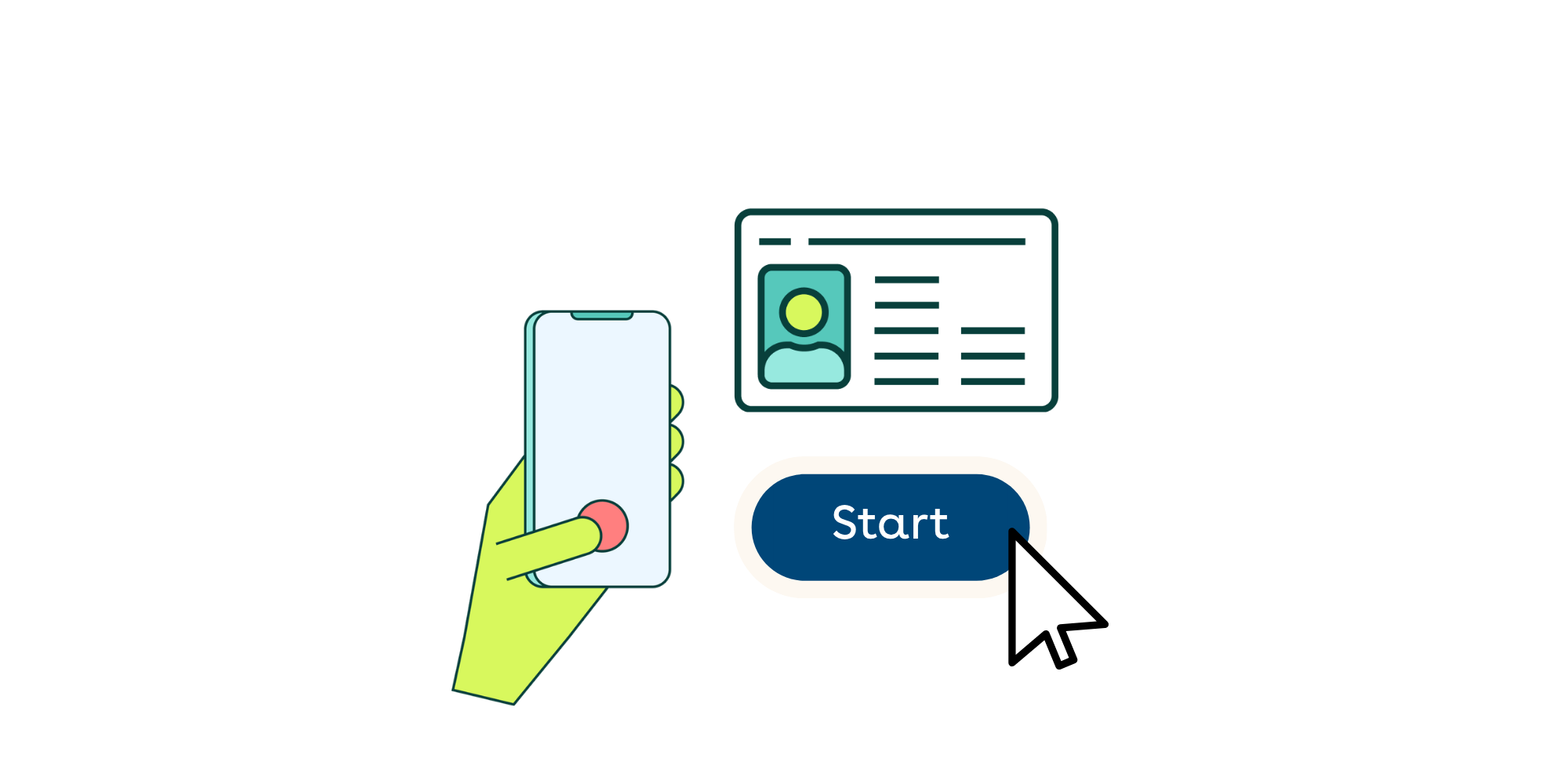
Your remote eHerkenning registration in just a few simple steps
You can get started right away with your eHerkenning registration! What you need is your phone and an identification document, such as your ID card, driver’s license, or passport. Make sure to register for the correct level of eHerkenning. If in doubt, you can use our eHerkenning Selection Guide.
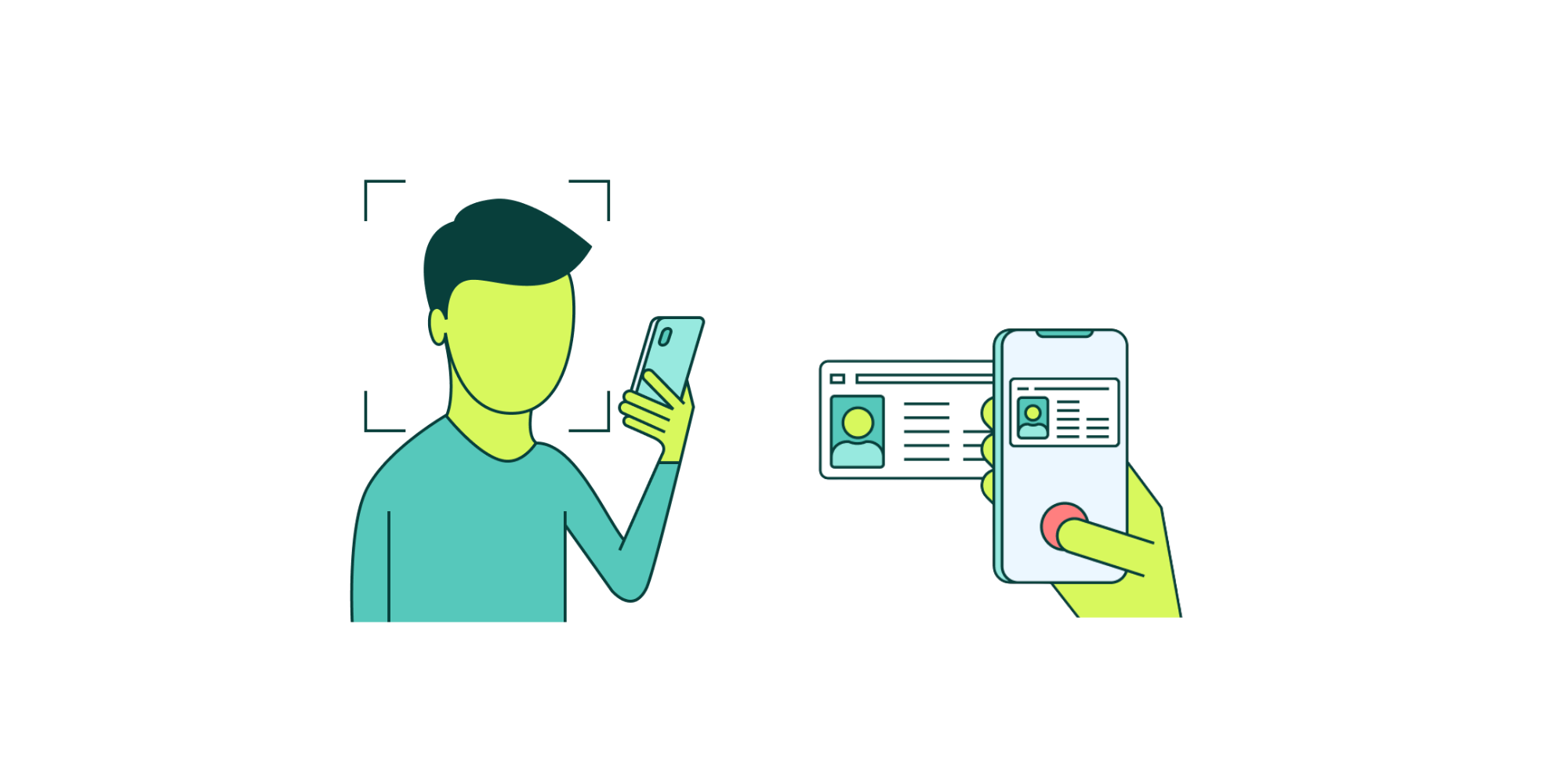
We can verify your identity completely remotely during your registration, without needing to make an appointment. Simply scan the NFC chip of your identification document and take a selfie. We will immediately verify whether your information is correct.
During the registration, you can pay immediately via iDEAL, credit card, or bank transfer. You will later receive an invoice or payment receipt via email. If you registered through an invitation from an administrator, the invoice will be sent directly to the organisation.
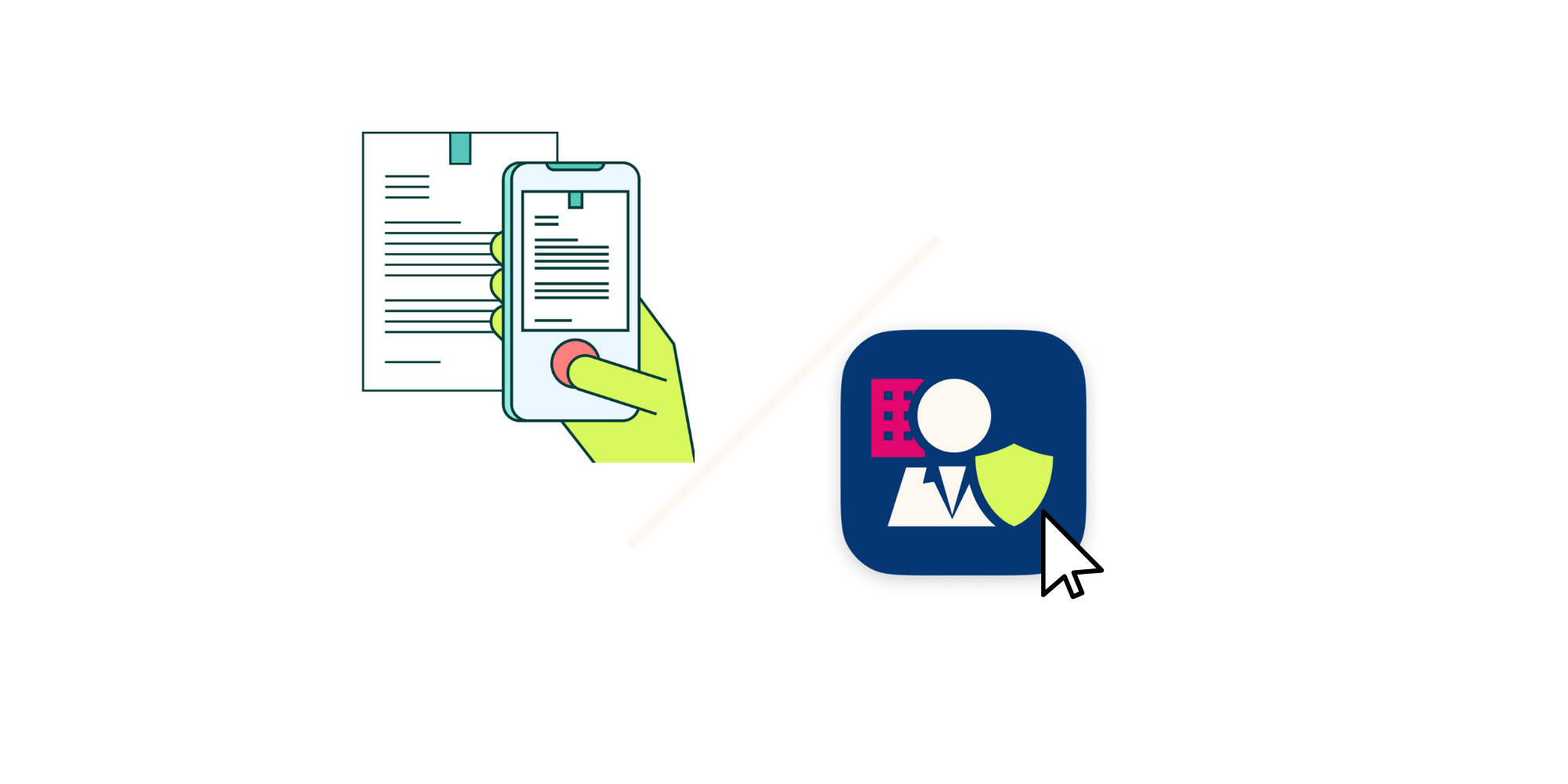
In order to verify your authority, the application for eHerkenning must always be approved by an authorized representative of the organisation. This can be done via the SSP by a company administrator or with paper authorisation letters also known as Power of Attorney's.
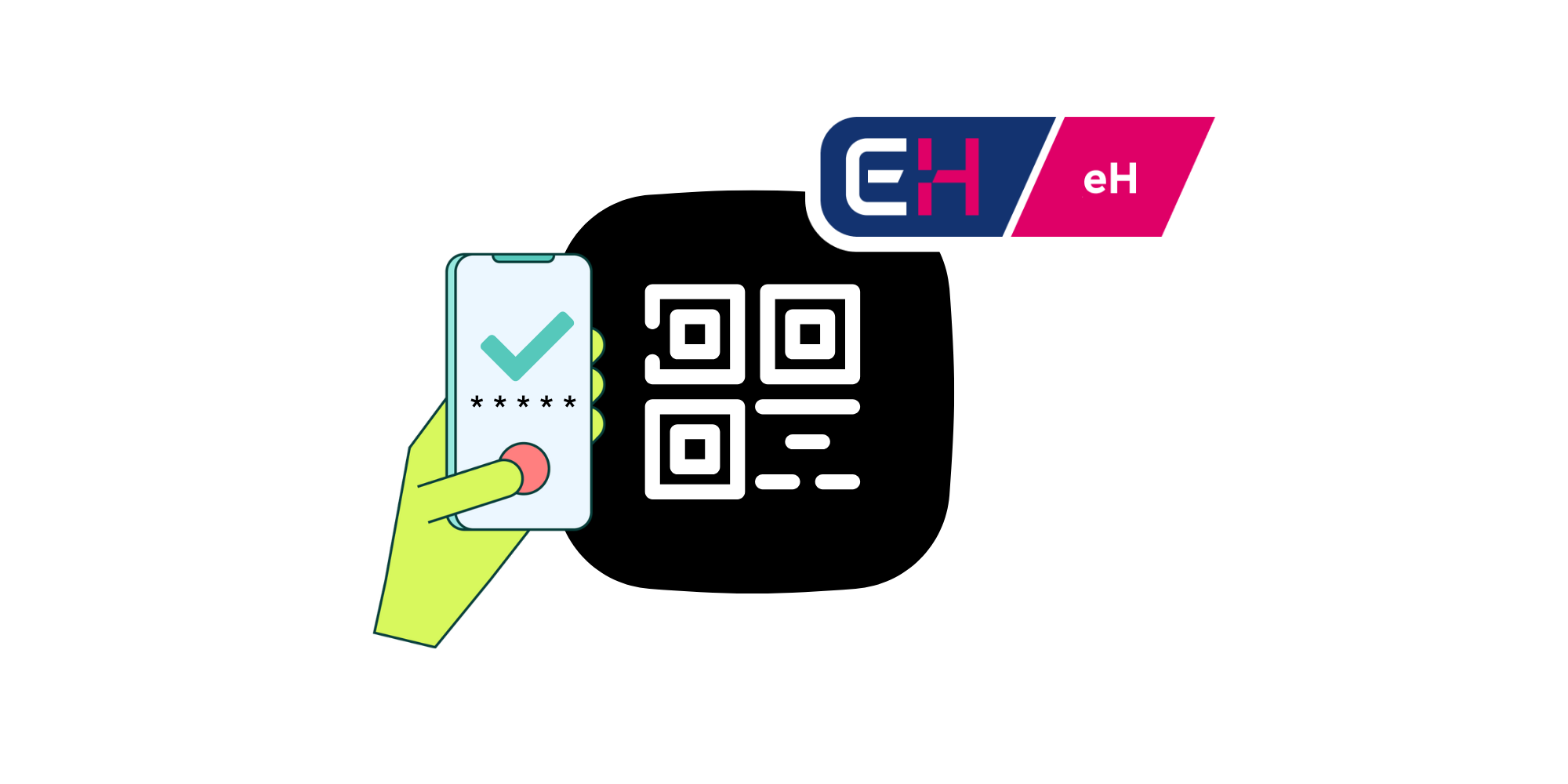
Once your request is authorised, your registration will be completed. You can immediately use your new eHerkenning to log in to the desired portal. Simply scan the QR code with your phone and enter your PIN code. No additional hardware is required!
The simplest way to register for eHerkenning with our remote registration
eHerkenning from Digidentity is the easy way to safely interact with over 600 government and private organisations no matter where you are. Our registration process is completely remote and the fastest on the market.
Digidentity Wallet
Your eHerkenning account with given authorisation is stored safely in your Digidentity wallet. Your Digidentity wallet can be used for electronic signatures and other products as well.
No hidden costs
We charge no additional fees for changes, invoices, extra hardware, urgent processing, or support.
Fully digital registration
You can have a working eHerkenning within minutes, without making an appointment.
Log in without password or token
You can easily log in using your phone and a five-digit PIN. No need for a password or USB token.
Recognised eHerkenning provider
Digidentity is one of the founders of eHerkenning and a recognised provider from the very beginning.
Self-Service Portal
Our Self-Service Portal allows you to easily invite colleagues, manage authorisations, and make changes.
Personal Support
With Digidentity, you can count on personal support from our dedicated service team.
When our users experience any issues, there is always good support from the helpdesk. We can always count on support from our contact ad Digidentity. They are always willing to talk to us and think along for technical solutions. We are also regularly invited to knowledge sessions regarding upcoming changes and what you as a user should take into account in the future. We are very satisfied with the contact and the services of Digidentity.
Ronald van Dijk, Business IT Consultant

We have been using the Digidentity Self Service Portal for a number of years to provide users with eHerkenning for services of Solera, Stichting CIS and Stichting EPS. We are now seeing more and more new features of the new administrator portal appear online and are eager for what is coming. I have already had a sneak peek at what the new portal will look like and I am very pleased with the features that will arrive in the future.
Achmea, Robert Weyn, Service Manager IT Run Inkomen

We have been working as partners with Digidentity for more than a year and to our complete satisfaction. Digidentity understands the importance of good cooperation and invests energy in it. At PKIpartners, unburdening the customer is number one. Digidentity's digital registration process is fully in line with this. With our full-service support from A to Z, this makes it possible to deliver an SBR certificate both nationally and internationally within a day.
Ton Oosterwijk, Managing partner PKIpartners

With the help of the Digidentity’s solution that we have integrated into Linckr, onboarding and identification process of new users are simplified. Additionally, the consumer's identity information can be easily and safely shared with service providers, but only with the consumer's permission. This is super convenient for both the consumer and the service provider!
Robert Heinen, Leon van Dooren, Managing Partner Linckr

Digidentity has worked with us to find the best solution for our clients in the field of qualified eSignatures and eSeal. They have been very involved from the first moment to the delivery of the environment, providing us with good guidance and advice. With our platform, agreements can be digitally recorded in accordance with the eIDAS requirements. Partners like Digidentity are crucial to our ambition. With Digidentity as a partner, we have taken another great step forward in our pursuit and we look forward to what we can do together for our customers.
Michiel Geerdink, CEO Zynyo
Frequently Asked Questions
Registration
Issues
Other questions
eHerkenning overview
eH level 2 and 2+ portals
The lowest assurance level
Dutch Tax Authority
Mijn Belastingdienst Zakelijk
Various services
eH level 3 portals
The most used assurance level
Chain Authorisations
Log in on behalf of clients
eH level 4 portals
The highest assurance level
European portals
eIDAS government services
All prices in the table above are annual costs and exclude VAT. Users get access to all portals included with their dedicated product at no extra cost. Access can be restricted explicitly by a company admin. At Digidentity there are no additional or hidden costs, unless otherwise indicated with '*'. *Excludes a one-time fee of €90.00 for remote registration. ** Excludes a one-time fee of €40.00 for business verification.
Ready to get started?
Get your eHerkenning before your next coffee break! All you need is your phone and an identity document to complete your registration.
Switching from your current provider?
Does your organisation currently have a large quantity of eHerkenning with another provider? Our sales team will create a suitable offer for you.