-500x500.png&w=3840&q=75)
Instant digital signing without extra subscriptions
While you can use Digidentity's signing certificates with various paid signing platforms, you can also sign using our free platform, eSGN.com. This allows you to instantly use your qualified signing certificate without the hassle of additional subscriptions elsewhere.
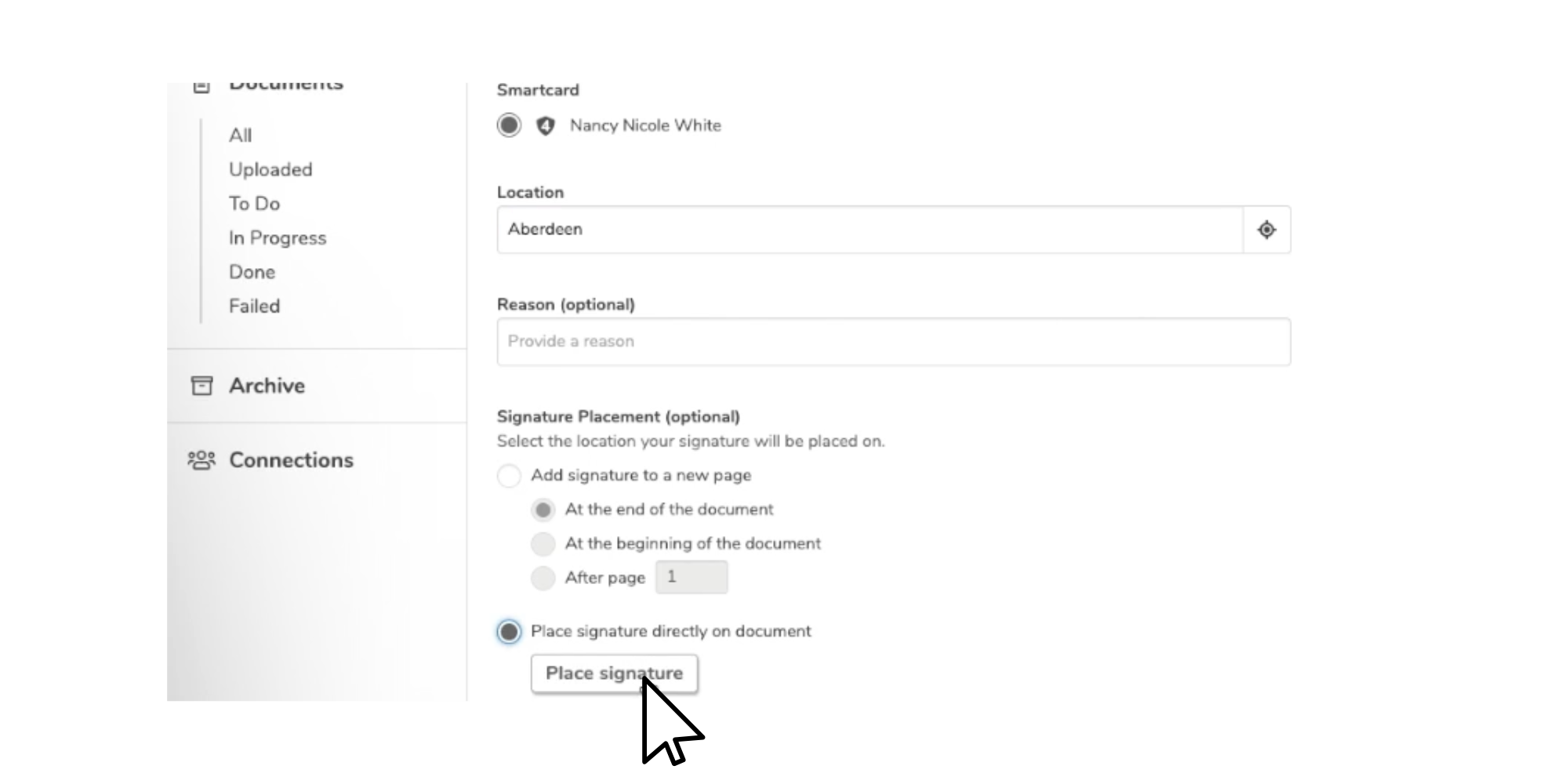
eSGN.com offers all the essential features you would expect from a signing platform. This includes adding a location, placing your signature in the desired position, and providing a reason for signing, allowing you to sign in a way that suits your needs.
Manage sign flows with ease
In addition to signing documents yourself, you can easily send signing requests to others using just their email addresses. When you invite someone to sign a document, they receive an email with the document and options to sign or decline, streamlining the workflow for both you and your signatories.
If needed, you can specify a particular signing order and track the progress of pending requests on eSGN.com, giving you a clear overview.

Signing on eSGN.com in steps
You can register for our signature certificates in just a few minutes. eSGN.com offers support for all of Digidentity's signing certificates. If you don't need to sign documents yourself but would like to send signing requests to others, you can log in to eSGN using a free Digidentity basic account.
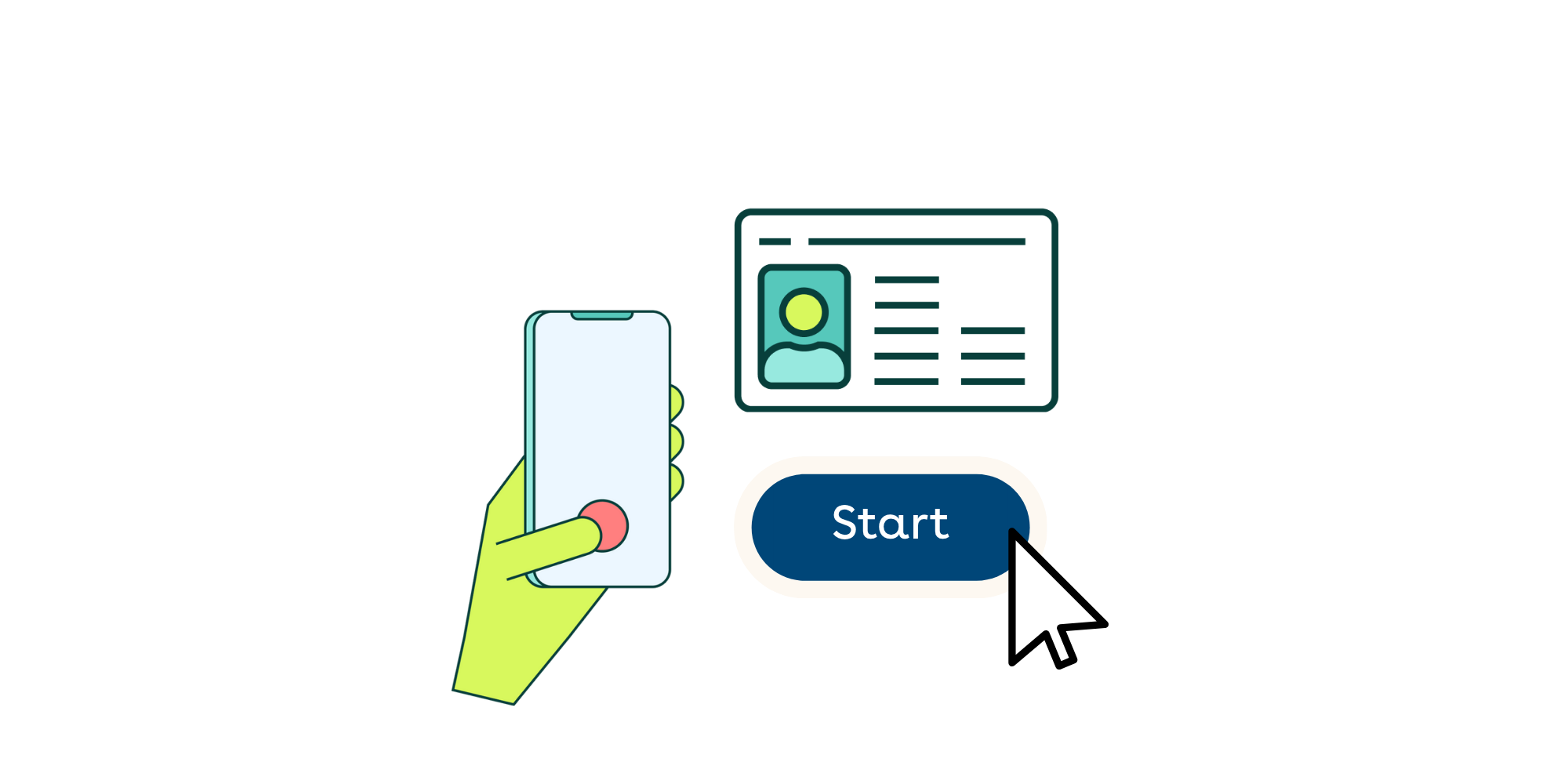
Visit eSGN.com in your browser. You can conveniently log in using your phone—just scan the QR code and enter your unique five-digit PIN.
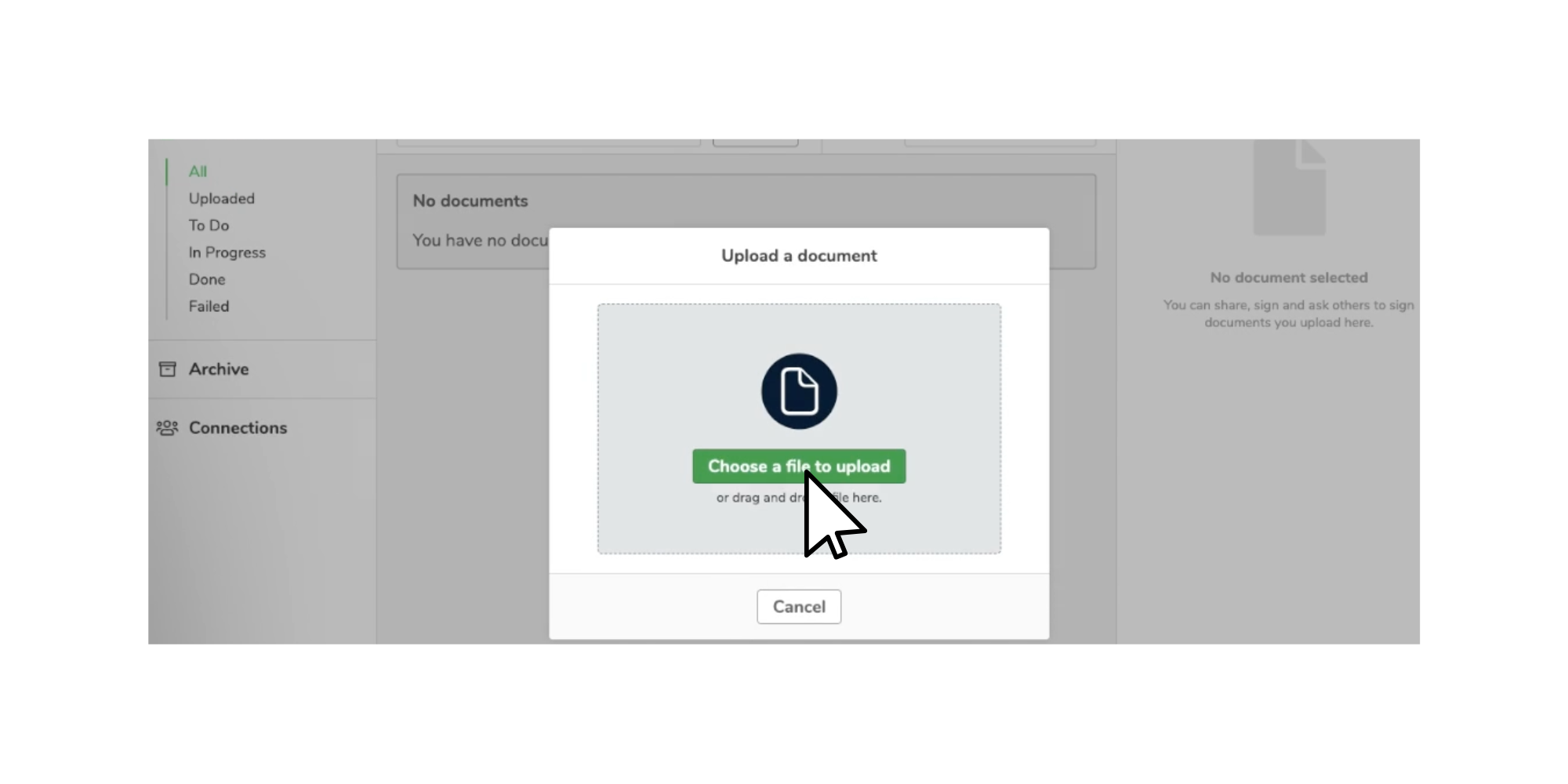
Once you’re on eSGN.com, you can effortlessly upload any PDF files to the platform. Rest assured, documents uploaded to eSGN.com remain your property and are processed solely for the purpose of providing the signing service. Digidentity does not routinely access the content of your documents and only stores them temporarily before automatic deletion.
Before signing on eSGN.com, you can select various signing options and specify who needs to sign. If you have multiple signing certificates, you can easily select the one you wish to use. Additionally, if you need to place a visual signature in a specific location on the document, you can choose the desired position. If you want others to sign, you can send them a signing request via email, and if necessary, you can specify the order in which they should sign.
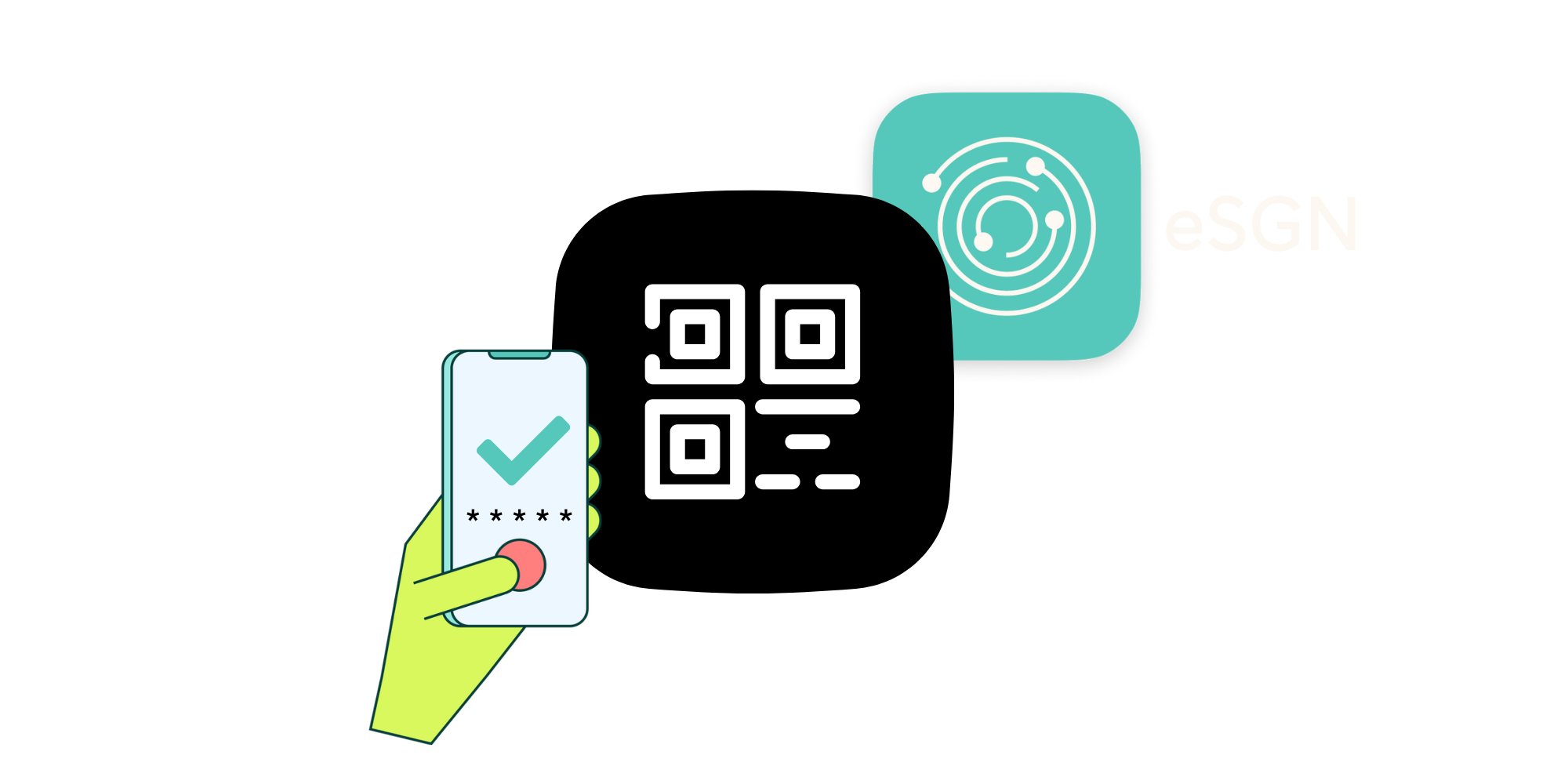
Once you or others click on "Sign," a notification will be sent to the signer's phone. You can effortlessly sign all your documents without a password using your preferred five-digit PIN, anytime and anywhere with our app. Thanks to our cloud-based certificates, there's no need for any additional hardware.

Once your document is signed, all signatories can download the signed copy. Viewers can verify the signature in popular PDF viewers by accessing the signature panel or clicking on the signature itself. This allows them to check the validity and associated certifications of the digital signature. If the document is altered, the validity will be compromised, giving you added assurance.

Includes All Essential Features
eSGN.com offers all the essential features you would expect from a signing platform. Place signatures, send out sign requests, add messages and much more.
Free to Use
Using eSGN.com is completely free. The only cost arises from signing certificates, which are required only if you need to sign documents yourself.
Simple and Quick
You can use eSGN.com anytime and anywhere. Simply upload your PDF, sign it with your PIN code, and download the signed document.
Manage signatures for others
eSGN.com allows you to send signing requests to your colleagues via email, giving you full control over the signing process.
Supports All Our Signing Certificates
eSGN.com is compatible with all of Digidentity's signing certificates, including simple electronic signatures, AdES, QES, Qualified eSeal, Professional Certificates, and Personal Organisation Certificates.
No Additional Subscription Required
Anyone with a Digidentity account can instantly access eSGN.com, saving you the hassle of purchasing any other service.
Easy and Qualified signing with eSGN.com
Check out our video showing the complete process of signing a document with a Qualified Electronic Signature.