Log in on behalf of your clients with Chain Authorisations
Using eHerkenning on behalf of your clients, made easy
✓ Manage it easily by yourself
✓ Set up in minutes
✓ Receive a customised quote
Chain Authorisation (Ketenmachtiging)
You can easily request chain authorisations directly from the Self Service Portal by registering as a company admin free of charge.
- Register for eH3 Complete first and become company admin
- Already have eH3? Go to your account, and request the admin role
What are Chain Authorisations?
With a chain authorisation eHerkenning from Digidentity, you can be authorised to log in on behalf of your clients for various (government) services. For example, this includes applying for permits, submitting tax returns, and reporting absenteeism due to illness. You can manage these authorisations with eHerkenning.
The self-issuing and management of eHerkenning chain authorisations is straightforward with Digidentity and can be arranged in just a few minutes. You will gain access to our secure and user-friendly Self Service Portal, where you can manage and oversee all authorisations.

What is the difference between eHerkenning Authorisations and Chain Authorisations?
The difference between a standard eHerkenning authorisation and a Chain Authorisation lies in the login relationship. With a standard eHerkenning Authorisation, you log in on behalf of your own organisation, requiring a separate eHerkenning credential for each employee and entity.
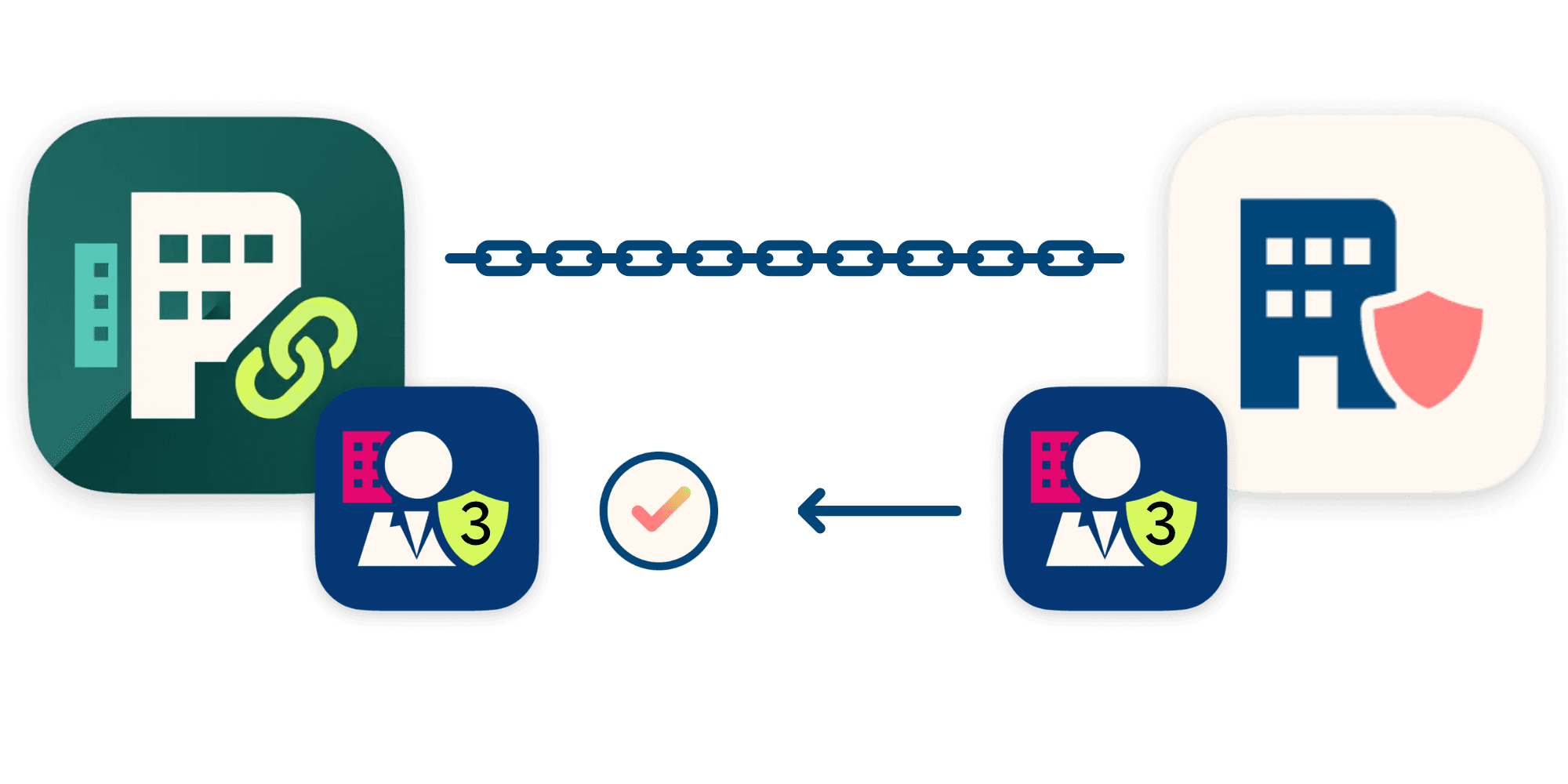
With a Chain Authorisation, employees can log in on behalf of another organisation using eHerkenning, for example, as an intermediary. In this case, the intermediary first requests the Chain Authorisation from the eHerkenning provider. They then submit an authorisation request to the client, who subsequently grants the Chain Authorisation through their own eHerkenning provider. The eHerkenning administrator of the intermediary can subsequently assign the Chain Authorisation to all employees who already have eHerkenning.

Requesting a Chain Authorisation in steps
The intermediary starts by becoming company admin in just a few minutes from this page.
Already have eHerkenning level 3 or higher? Skip the identity verification and request the company admin role directly in your company SSP.
The client can complete the free registration for the company administrator at level 3 in just a few minutes.
The intermediary can inform the client that they can start the registration themselves via our Company Admin page.
Intermediaries request chain authorisations easily from the SSP.
They select the portals needed and send the authorisation request to each client's email address.
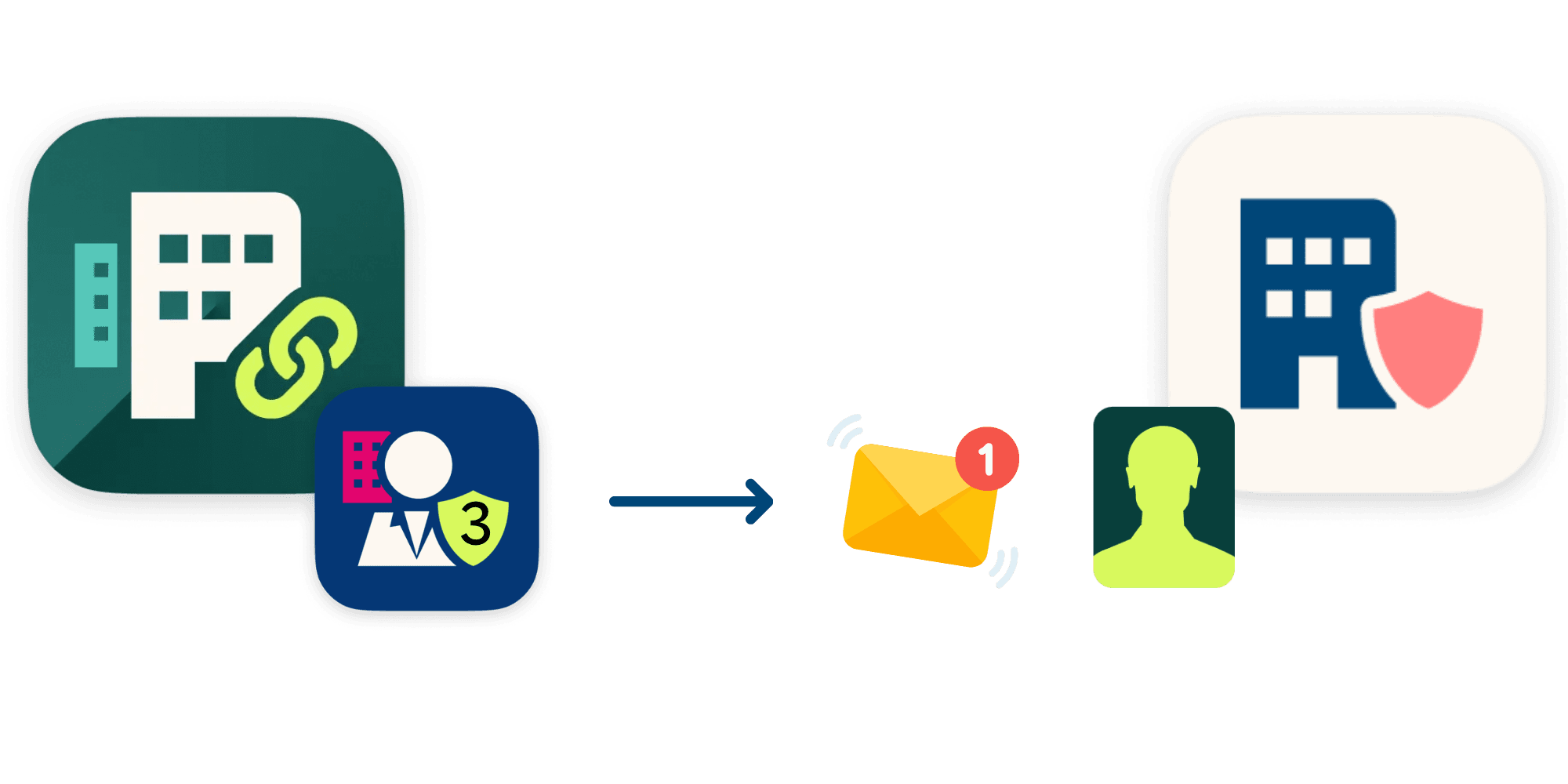
Clients review the portals requested by the intermediary within the same registration flow.
If they accept, the chain authorisation is issued instantly from their company to the intermediary company.
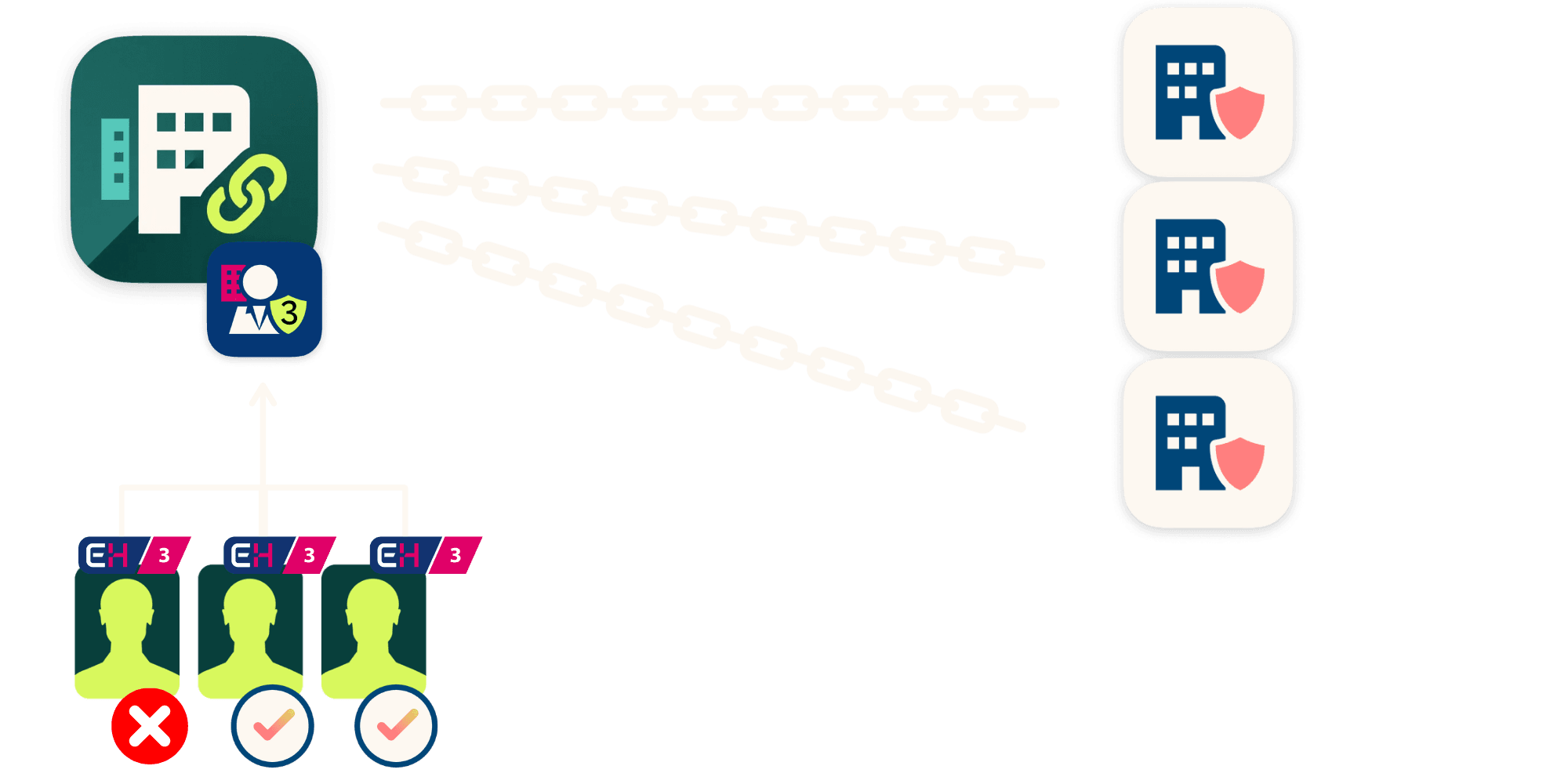
Once the Chain Authorisations are issued, the intermediary company admin can grant colleagues access to log in on behalf of each client in the SSP.
Each colleague requires an eHerkenning credential at the assurance level of the relevant portal.
All-in pricing
At Digidentity, you only pay €20.00 ex. VAT for a chain authorisation. All employees with eHerkenning at the required level can make use of this authorisation and log in to all service portals for which the client has granted a chain authorisation, at no extra cost.
Your client incurs no costs and can even grant the chain authorisation without eHerkenning. There are no other hidden costs, including for changes, the Chamber of Commerce check or identification.
No hidden costs
We charge no additional fees for changes, invoices, extra hardware, urgent processing, or support.
Fully digital registration
You can have a working eHerkenning within minutes, without making an appointment.
Log in without password or token
You can easily log in using your phone and a five-digit PIN. No need for a password or USB token.
Recognised eHerkenning provider
Digidentity is one of the founders of eHerkenning and a recognised provider from the very beginning.
Self-Service Portal
Our Self-Service Portal allows you to easily invite colleagues, manage authorisations, and make changes.
Recognised eHerkenning provider
Digidentity is one of the founders of eHerkenning and a recognised provider from the very beginning.

Need to know more?
In most cases, you can find the quickest answer to your question in our FAQ section on Chain Authorisations.
If you prefer personal assistance, please feel free to contact our service team.