Fully remote eHerkenning level 4.
The highest level of assurance, made easy.
✓ No physical check
✓ No hidden costs
✓ No faster way to get eHerkenning 4
Our eHerkenning Selection Guide helps you find the right product. Use the Portal Finder to check which level a service requires.

Meer info
Why Choose eHerkenning Level 4?
The Highest Level of Reliability
With eHerkenning Level 4, you can log in on behalf of your organisation with the highest level of reliability. An increasing number of service providers, including municipal, provincial, and national authorities, require this level. It is also essential for important tasks such as applying for patents or submitting a clemency request. Since level 4 is the highest level of eHerkenning, you gain access to all online services associated with eHerkenning, including the lower levels. This makes choosing eHerkenning 4 a safe decision, both now and in the future.
No Hassles with PKIoverheid Certificates
At Digidentity, there is no need to purchase an additional PKIoverheid certificate to use eHerkenning Level 4. This means you won’t have to worry about the necessity of an extra certificate and the associated costs. Furthermore, there is no need to link the certificate separately to the eHerkenning tool. As a result, Digidentity is not only the most cost-effective option but also the easiest option for eHerkenning Level 4. After your registration, you will also receive a voucher for five free qualified electronic signatures.

Your remote eHerkenning registration in just a few simple steps
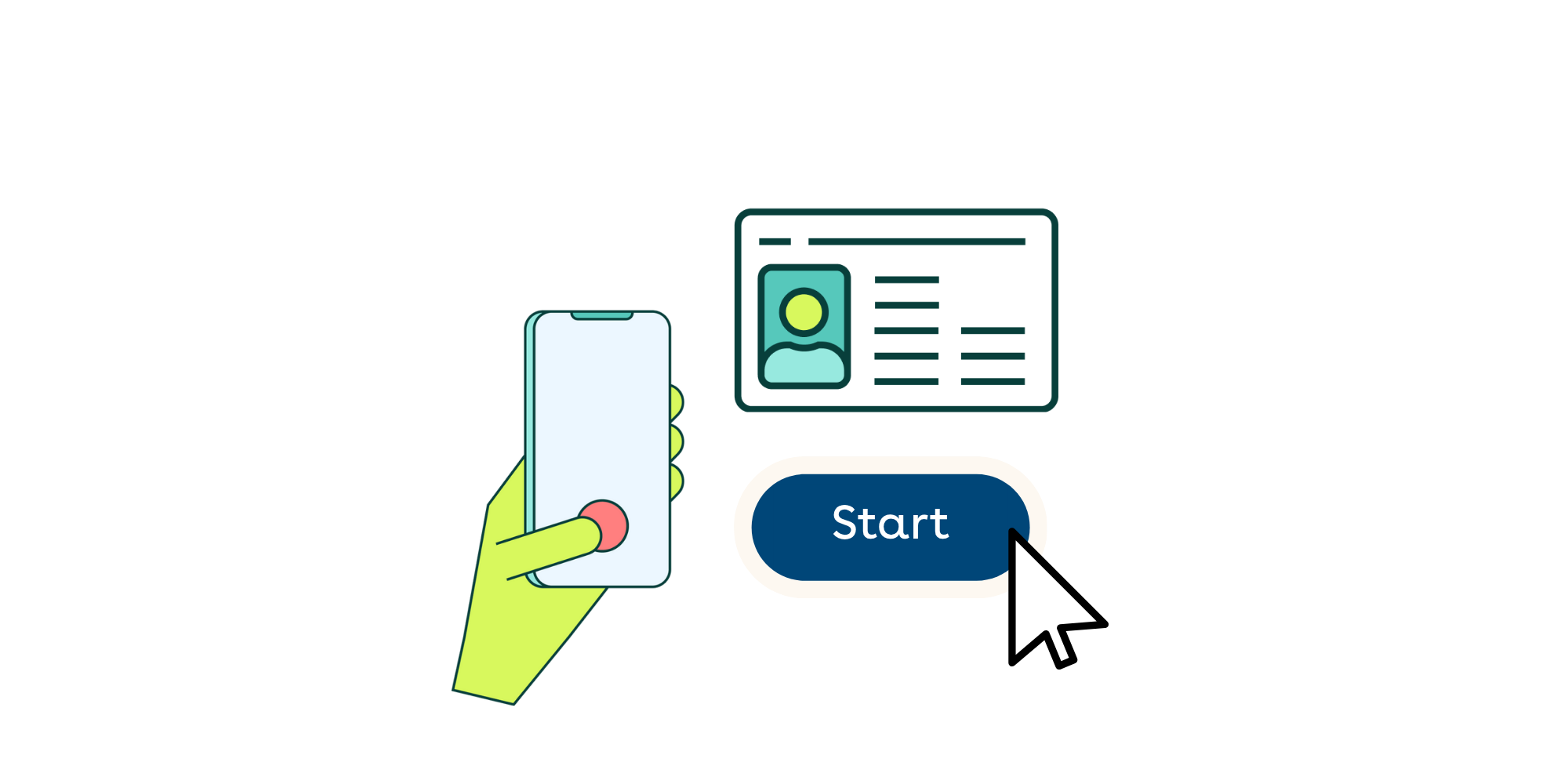
You can get started right away with your eHerkenning registration! What you need is your phone and an identification document, such as your ID card, driver’s license, or passport. Make sure to register for the correct level of eHerkenning. If in doubt, you can use our eHerkenning Selection Guide.
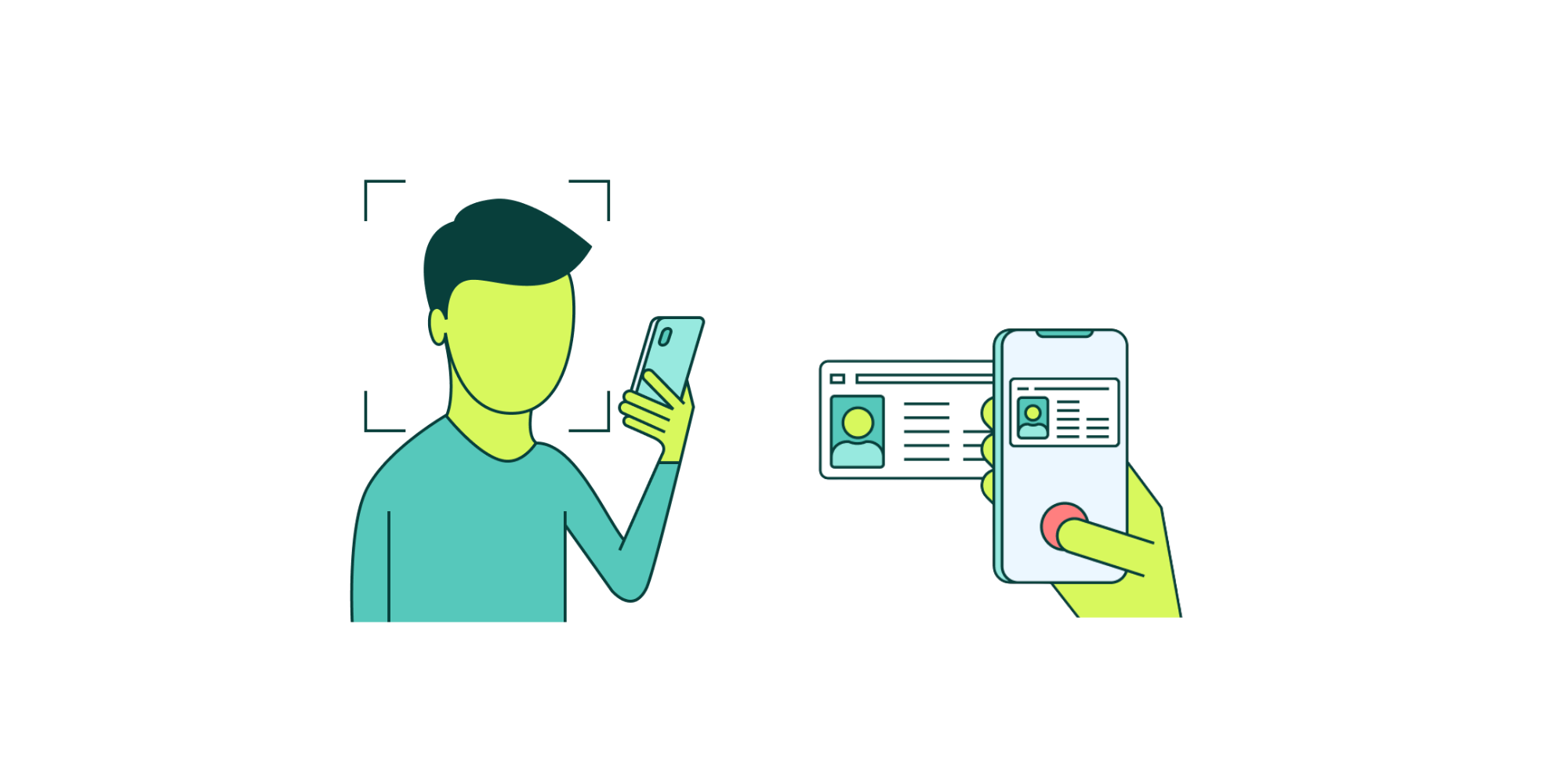
We can verify your identity completely remotely during your registration, without needing to make an appointment. Simply scan the NFC chip of your identification document and take a selfie. We will immediately verify whether your information is correct.
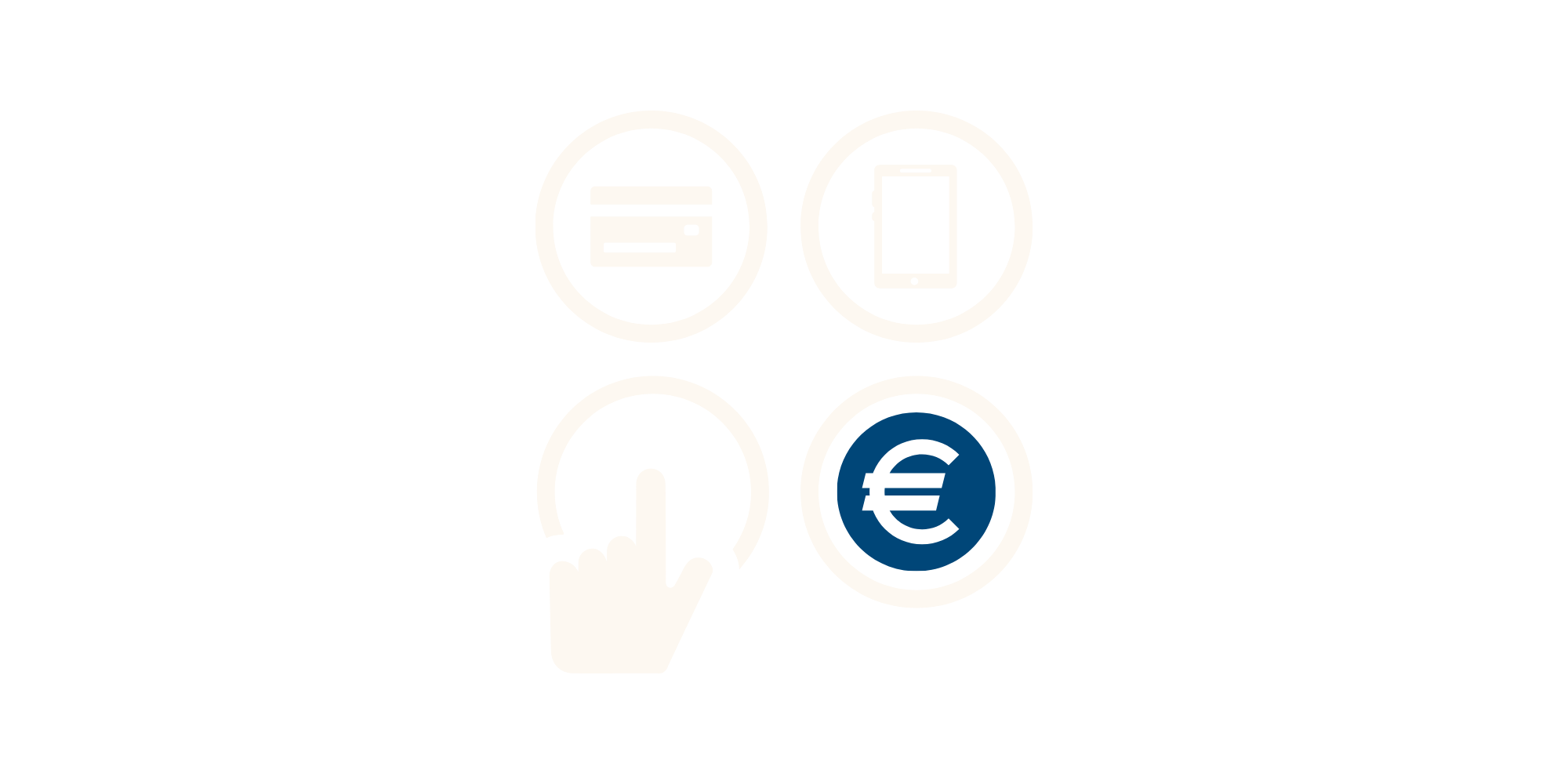
During the registration, you can pay immediately via iDEAL, credit card, or bank transfer. You will later receive an invoice or payment receipt via email. If you registered through an invitation from an administrator, the invoice will be sent directly to the organisation.
In order to verify your authority, the application for eHerkenning must always be approved by an authorized representative of the organisation. This can be done via the SSP by a company administrator or with paper authorisation letters also known as Power of Attorney's.
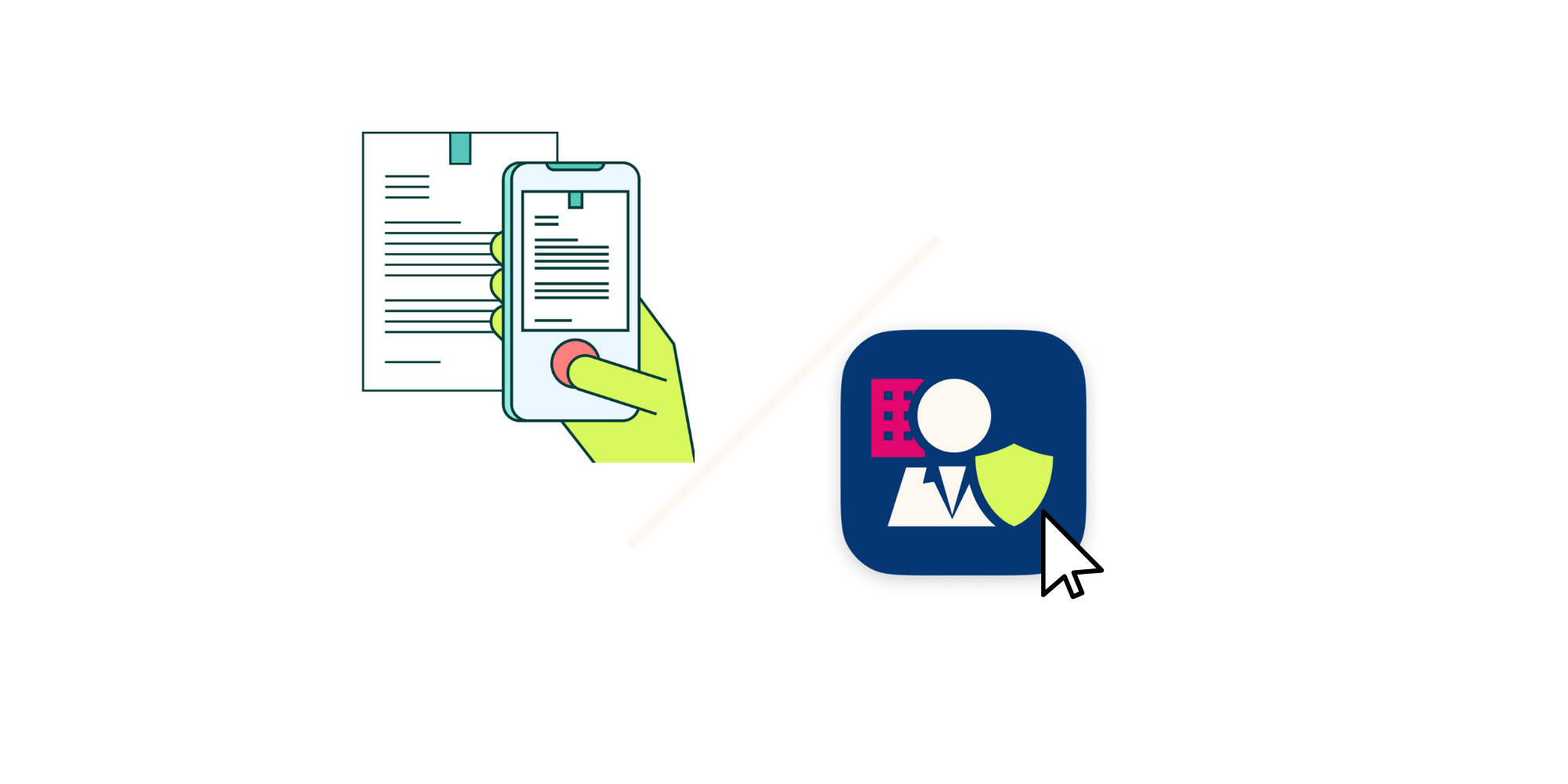
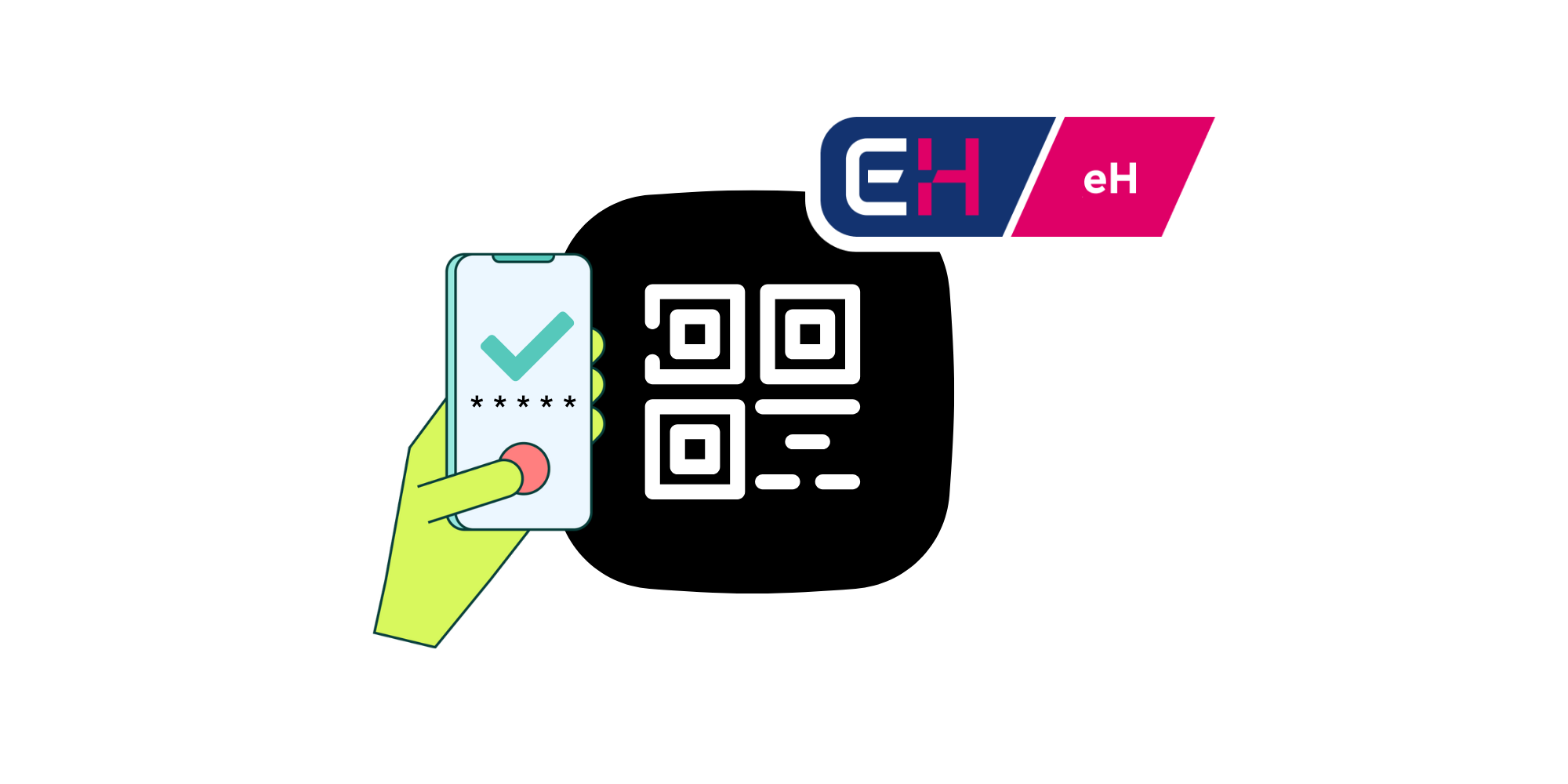
Once your request is authorised, your registration will be completed. You can immediately use your new eHerkenning to log in to the desired portal. Simply scan the QR code with your phone and enter your PIN code. No additional hardware is required!
No hidden costs
We charge no additional fees for changes, invoices, extra hardware, urgent processing, or support.
Fully digital registration
You can have a working eHerkenning within minutes, without making an appointment.
Log in without password or token
You can easily log in using your phone and a five-digit PIN. No need for a password or USB token.
Recognised eHerkenning provider
Digidentity is one of the founders of eHerkenning and a recognised provider from the very beginning.
Self-Service Portal
Our Self-Service Portal allows you to easily invite colleagues, manage authorisations, and make changes.
Free Qualified Signatures
Get five qualified electronic signatures (QES) for free with your eHerkenning level 4 registration.
.png&w=3840&q=75)