Verify and encrypt server-to-server traffic with PKIo Server certificates
Ensure that communication within exclusive user groups between your web, database, and email servers is always private and secure
- No hidden costs, including 10 SANs
- Protect sensitive web data
- Register, generate, and use within minutes
Why use PKIoverheid Private Server Certificates?
In the current digital landscape, ensuring the security and integrity of your server communication is essential. Our PKI Private Server Certificates provide a robust solution for authenticating your servers, encrypting data, and ensuring secure interactions. Protect your organisation from unauthorised access and data breaches with our trusted certificates.
How do you use PKIoverheid Private Server Certificates?
To apply for Server Certificates, you can register for the role of Certificate Manager for free. In this registration, you can identify yourself within minutes using your identification document and phone. You can then immediately generate and install certificates in the Self Service Portal.
For detailed instructions, see FAQ.

How do PKIoverheid Private Server Certificates work?
PKIoverheid Private Server Certificates are digital certificates that verify the identity of servers within the Dutch government. They are issued by a trusted certificate authority (CA) and contain a public key and server information. These certificates ensure secure communication through encryption and digital signatures. When establishing a secure connection, the client verifies the certificate to confirm the authenticity of the server. This process protects against man-in-the-middle attacks and ensures the confidentiality and integrity of data.

Step by Step Guide
To request a server certificate, you must first register as a Certificate Manager. You can sign up for this role in just a few minutes. Identification can be done completely remotely and without an appointment.

Once you have completed the registration for the Certificate Manager, you can access the My-Digidentity environment and navigate to the Companies section to enter the Self Service Portal. In the portal, you can request the server certificate under Certificates.
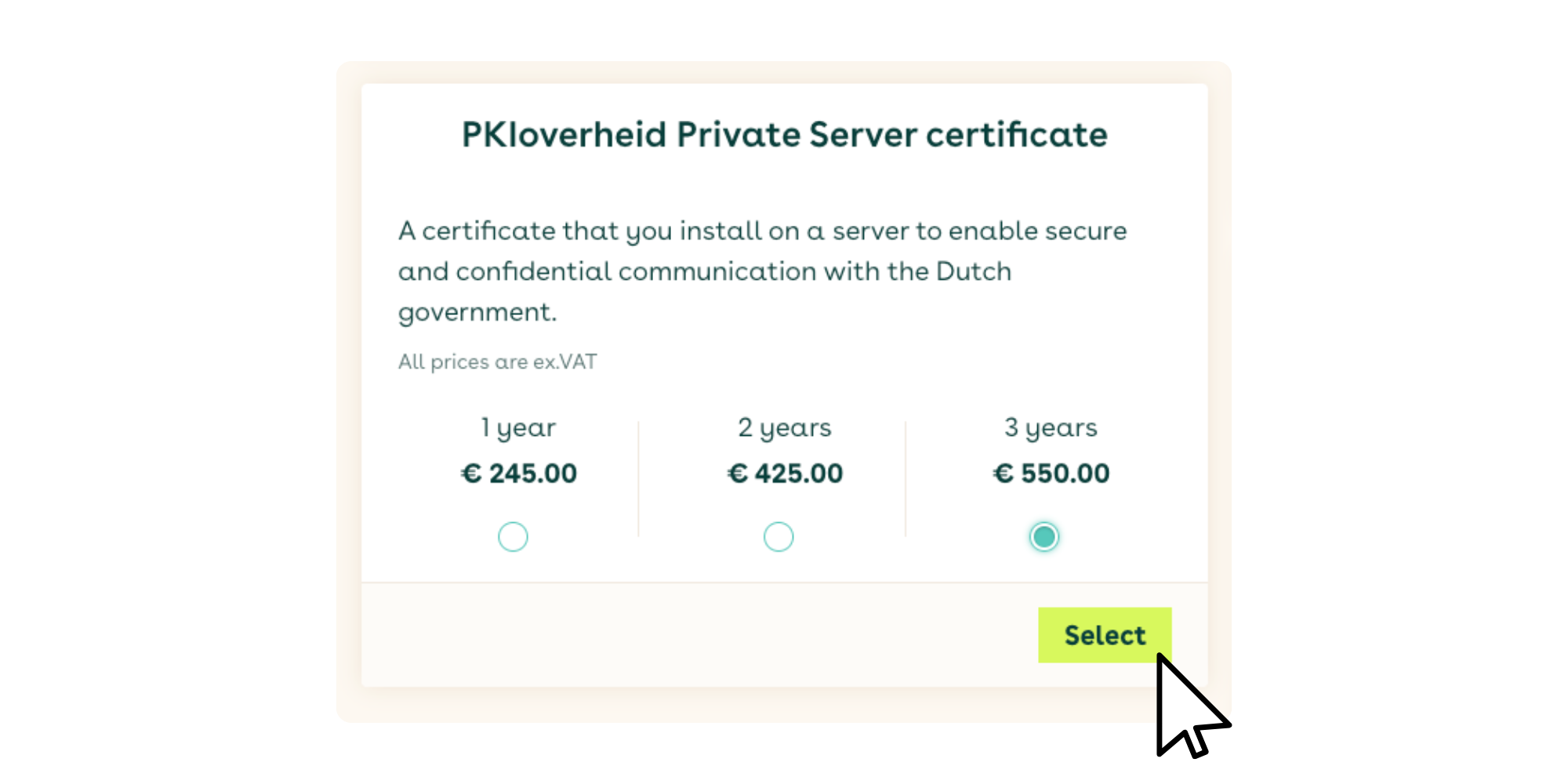
For encrypting server-to-server traffic, select the PKIoverheid Private Server certificates. You can choose a validity period of either 1 or 2 years.
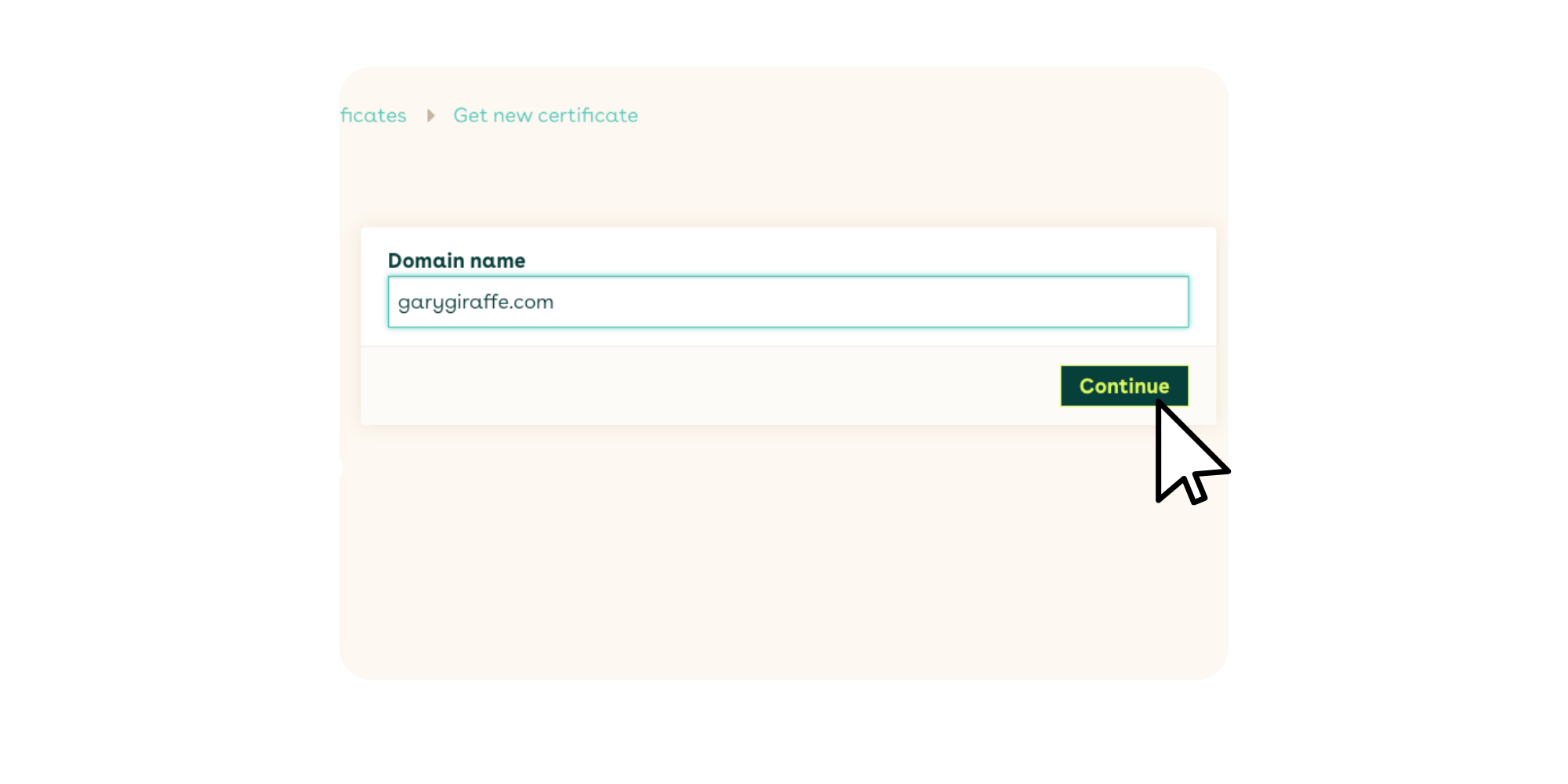
Specify the domain name and validate it. You have the option to send a validation email to the domain administrator or to a validation email address in the Domain Name System (DNS).
You can choose the method for generating the CSR (Certificate Signing Request). The recommended approach is to generate the CSR directly in your browser.
Self-generating a CSR via the command line or a CSR generator is only necessary in specific situations. Digidentity does not provide direct support for this method.
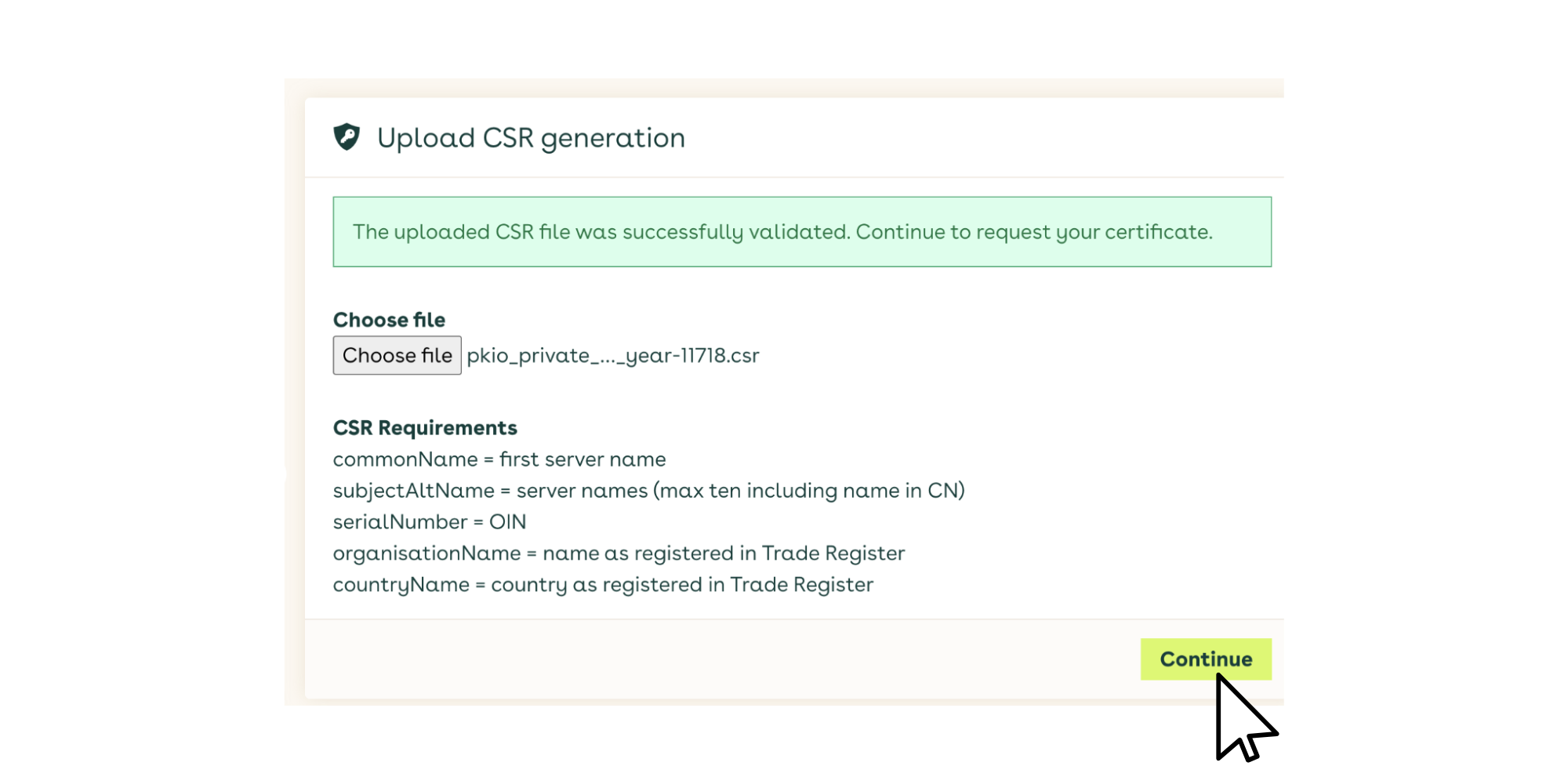
The certificate will be created on your computer. Your Certificate Signing Request (CSR) and key pair will be generated in your internet browser. Digidentity will never receive or know your private key. Your CSR will be sent to Digidentity for signing.
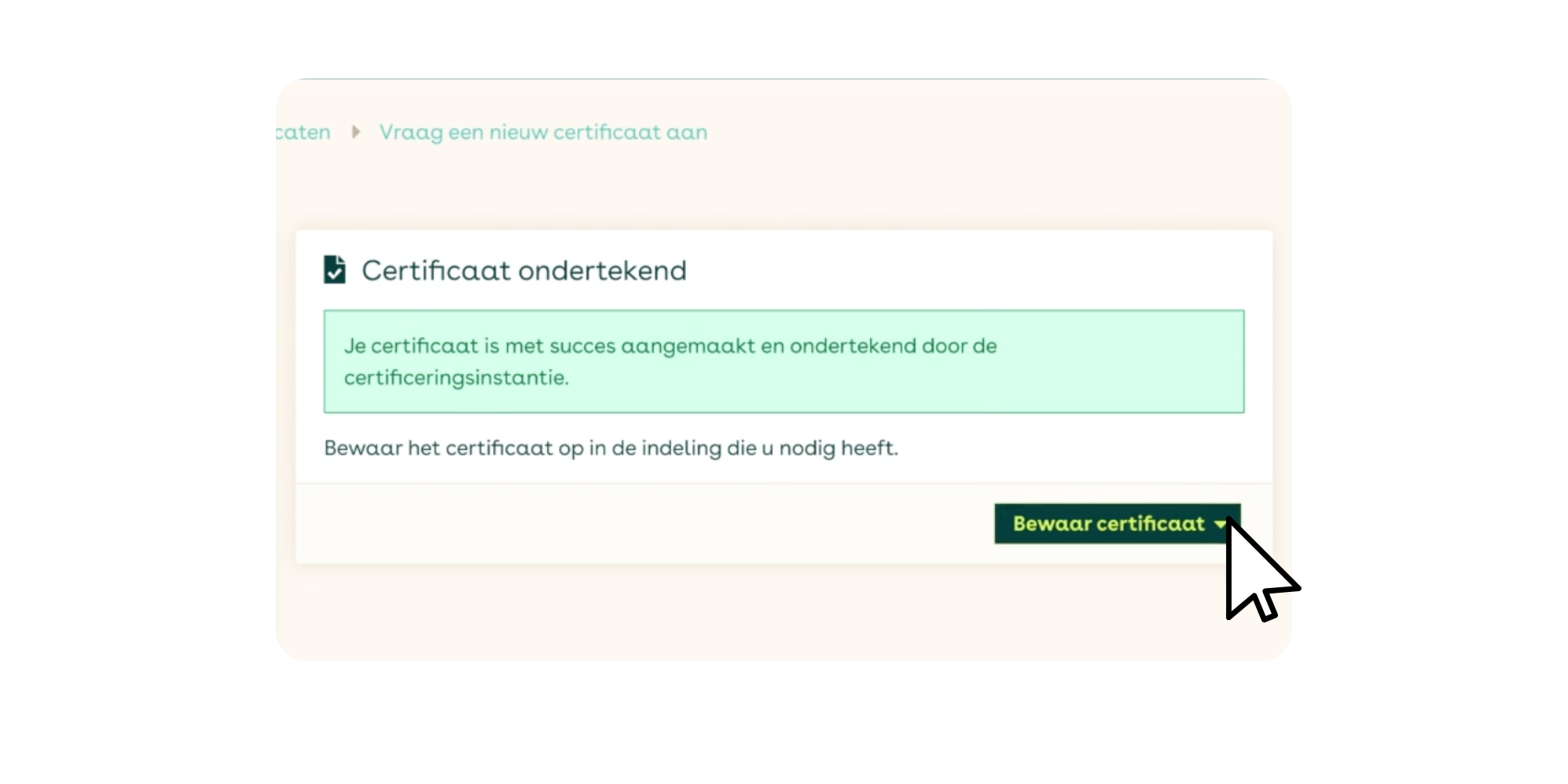
Your PKIoverheid Private Server certificate will be generated, signed, password-protected, and stored on your computer. You can then install the certificate in your software application.
For more detailed instructions, please read our step-by-step instructions for applying for PKIoverheid Private Server certificates.

Trusted Authentication
Authenticate the identity of your server with a digital certificate issued by a trusted Certificate Authority (CA). This ensures that clients can verify they are connecting to the legitimate server, reducing the risk of man-in-the-middle attacks.
Enhanced Security through Encryption
Our certificates facilitate strong encryption protocols, ensuring that the data exchanged between your server and clients remains secure and confidential. This protects sensitive information from interception by unauthorised parties.
The Fastest Way to Apply for Server Certificates
With Digidentity's remote solution, you can easily register and generate a server certificate within minutes—without the need for an appointment. This makes the process quick and efficient, allowing you to get started immediately without long waiting times.
No Hidden Costs
At Digidentity, you can rest assured about costs. We do not charge hidden fees, meaning there are no additional costs for changes, personal certificates, identification, expedited processing, additional hardware, or support. This ensures you know exactly what to expect, with no surprises later.
Meet Industry Standards
Many sectors require secure communication to comply with regulations such as GDPR. Our PKI Private Server Certificates help you meet these compliance requirements effortlessly.
Prevent Data Manipulation
Maintain the integrity of your communication. Changes to transmitted data are detected, so you can be sure that the information received is exactly what was sent.
Frequently Asked Questions
More questions about Server Certificates?
We are happy to help you with our FAQ's or with personal support.