Send confidential information with an SBR certificate
Share data securely with Digipoort, de Rechtspraak, or other Dutch government agencies
✓ Register and use today
✓ Ensure a secure connection
✓ Maximise the potential of your current software.
Works with all industry-standard software including AFAS, Blinqx, Exact, Fiscaal Online, Nextens, Onview, Twinfield and others.

About PKIoverheid Private SBR Certificates
Create a secure digital connection to share and send sensitive documents with peace of mind.
With an SBR certificate, you establish a secure digital connection that allows you to share and send sensitive documents with confidence. This certificate offers the highest level of security between, for example, financial and accounting programs and the Digipoort of the Dutch government, enabling the efficient and secure exchange of confidential data.
Our PKIoverheid server certificate falls under the PKIoverheid Private G1 Root. You can apply for the certificate entirely online and within minutes, allowing you to immediately continue sending your business data. This certificate is only issued by certified service providers who can guarantee a certain level of trust and security.
Digidentity is a Qualified Trusted Service Provider (QTSP), certified by the European Union under the eIDAS legislation, and provides SBR certificates in the Netherlands, among other services.

What is PKIoverheid, Private Root, and SBR?
PKIoverheid
PKIoverheid is a system developed by the Dutch government to secure digital communication and data exchange between government agencies, businesses, and citizens. PKI stands for Public Key Infrastructure, which is a technology that uses cryptography to enable digital signatures and encryption.
Private Root
Private Root refers to an internal root certificate authority used within an organisation or a specific group. It ensures that only trusted connections and data exchanges take place.
SBR
SBR is a standard for digitally reporting financial and administrative data to the government. It simplifies and secures the exchange of information, such as tax returns, through standardised formats.


As market leader in independent PKIoverheid and PKI services, partnerships with certificate producers are of great importance. Working PKI certificates are crucial for any digital service, and in the case of communication with government bodies and between government bodies, PKIoverheid certificates are essential.
Together with our partner Digidentity, we at PKIpartners are able to adequately support any organisation from A to Z, taking care of everything. Personal contact and full-service delivery are the foundation of this.
Ton Oosterwijk, director and founder PKIpartners
You can get started with the registration for Certificate Manager right away. With the Certificate Manager role, you will eventually be able to download the PKIoverheid Private SBR Certificate. All you need for this is your phone and your passport, driver's license, or ID card.
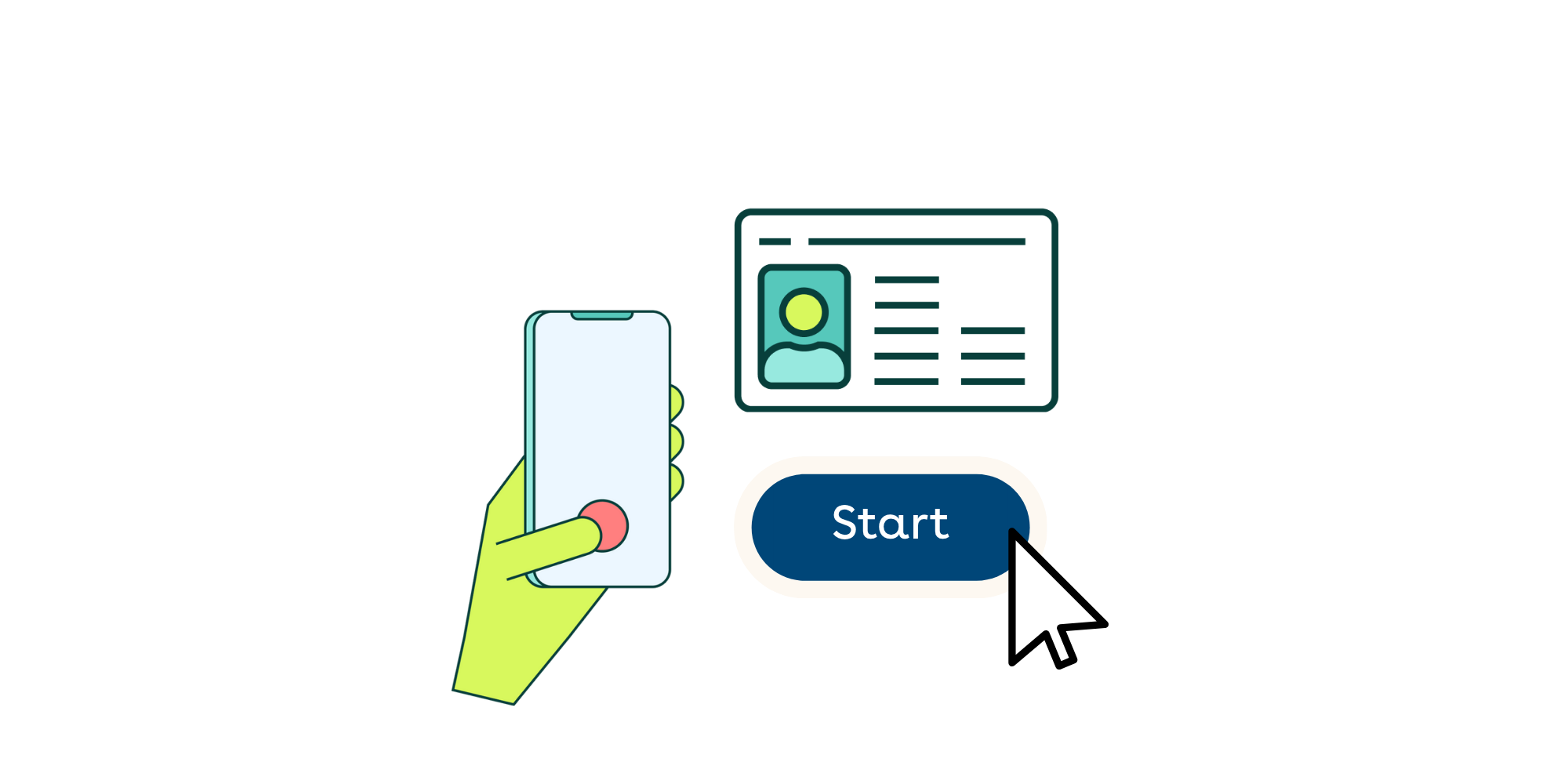
To finalise the registration, you need to be identified. With our remote registration process, you can identify yourself within a few minutes. This is done using a selfie and reading your identity document.

After you have completed your registration, you can generate and download the certificate. You do this by logging into your account, selecting your company, and going to the 'certificates' tab. You can then follow the steps to generate and download the certificate. In most cases, it is best to download the certificate as a .pfx file.
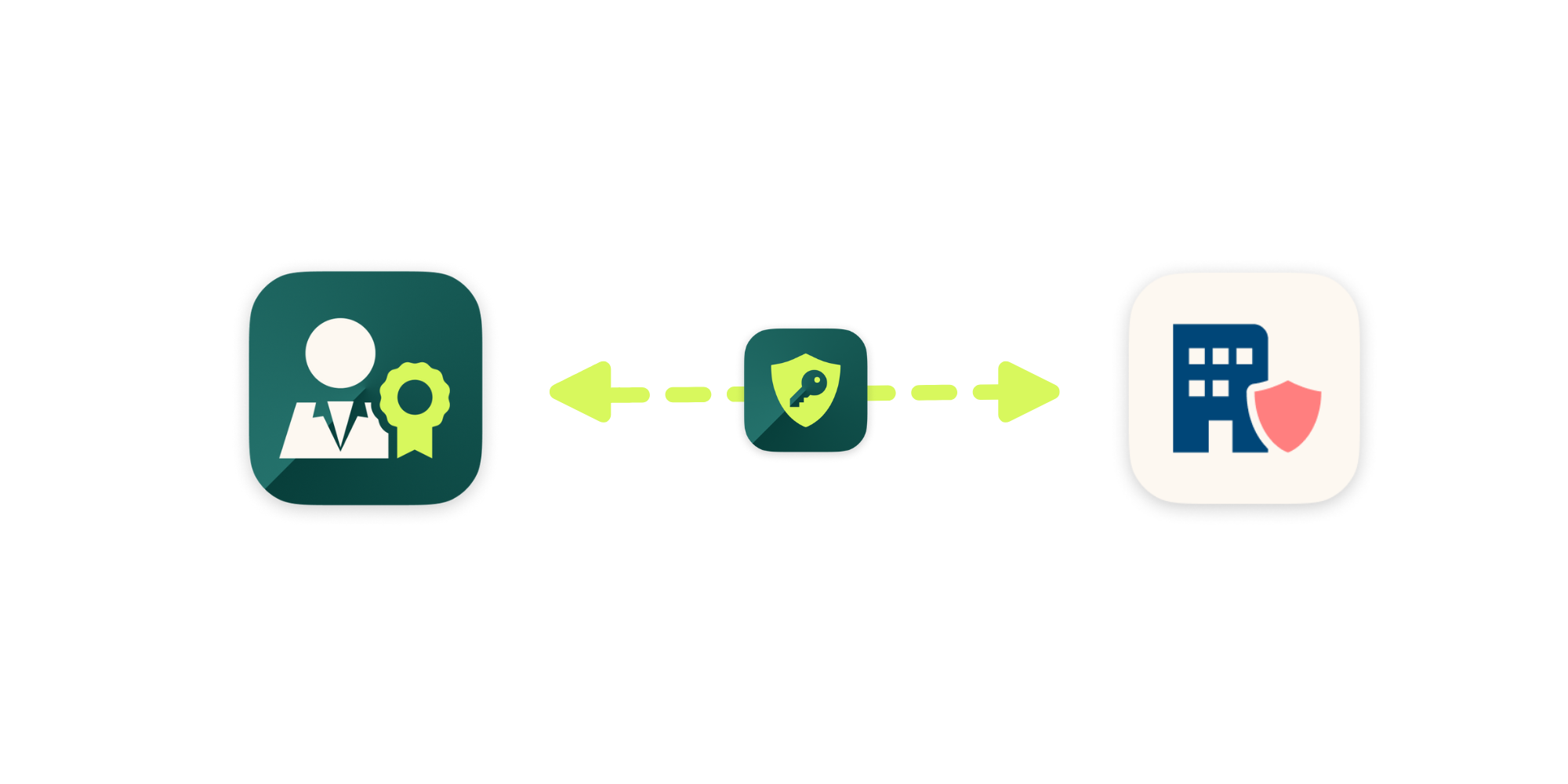
Once you have downloaded the certificate, you can use it immediately. Typically, you do this by uploading the certificate back into the software package you are using. When the certificate has been successfully uploaded, it ensures a direct connection with your software and a service provider such as Digipoort, the Judiciary, or other government agencies.
Get a certificate today
With Digidentity's remote identification, you can complete a registration in just a few minutes. There is no faster way to apply for a PKIoverheid SBR certificate.
Transparent costs
At Digidentity, you only pay for the certificate. You don't have to worry about additional costs for support, identification, hardware, or other administrative expenses.
Compatible with all established software
Make the most of your software package. Our certificate is compatible with all well-known software such as Exact, Nextens, Twinfield, Fiscaal Online, Onview, AFAS, or any other application.
Trusted solution
An SBR certificate ensures secure and reliable digital data exchange. It also simplifies reporting to government authorities through standardised submission.