Log in on behalf of your organisation using eH3 without KVK
Get secure access to the Dutch Tax Administration (Mijn Belastingdienst Zakelijk)
- Use without a Dutch Chamber of Commerce registration
- Enjoy a completely remote registration from anywhere
- Register independently without an appointment
Our eHerkenning Selection Guide assists you in selecting the right eHerkenning product, taking into account all your preferences.
FIND OUT MORE
Digidentity introduces eHerkenning without KVK.
Do you need eHerkenning but are not (yet) registered with the Chamber of Commerce (KVK)? We are happy to assist you if your company or organisation is known to the Tax Authorities and has a Dutch tax number (FI number).
To purchase eHerkenning without KVK registration, you only need to bring the following:
- A smartphone with internet access.
- A valid identification document (passport, driver's license, identity card).
- A document proving that you are authorised to represent your company or organisation.
During the registration process, we will contact you and assist you in providing the necessary documentation.

What is eHerkenning?
eHerkenning is essentially a version of DigiD designed for organisations. It serves as a login tool that verifies the following: 'Are you truly who you claim to be, and do you have the authority to log in on behalf of an organisation?' Consequently, individuals must first undergo a process of identification and authorization before they can utilise eHerkenning for their organisation. This identification process is subject to several criteria. Fortunately, with Digidentity, remote identification is available for all levels.

How does it work?
Digidentity verifies a person’s identity through a completely remote process that reads the chip in their passport and uses liveness detection to check that they are a real person all at once.
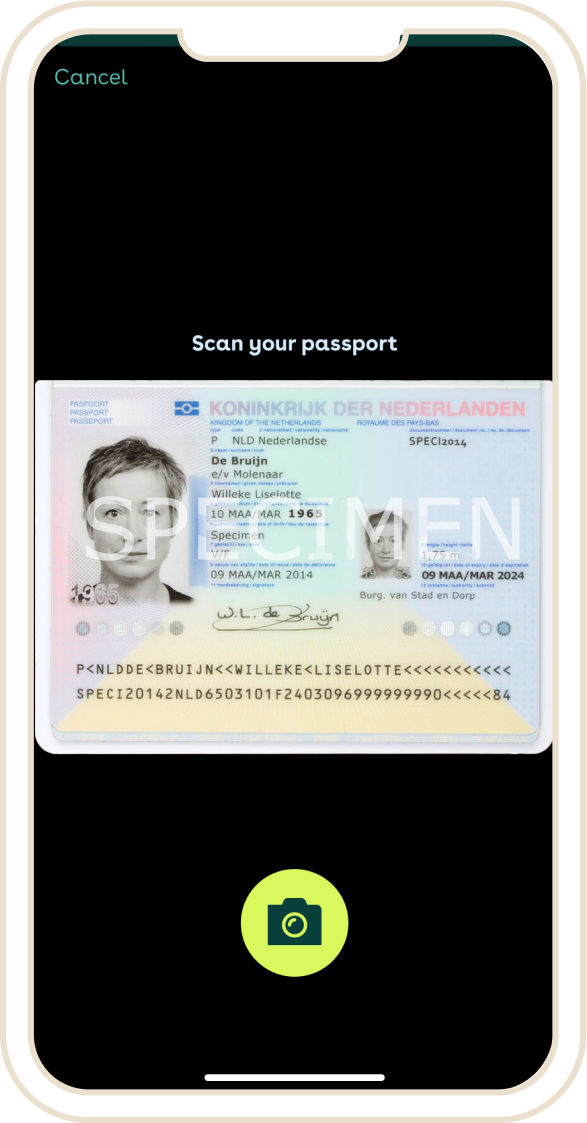
1.
Identity verification:
Provide your personal details, scan the NFC chip in your ID, and take a selfie. We will check that your details are correct, if you are a real person, and if you are the same person as the one in the ID.

2.
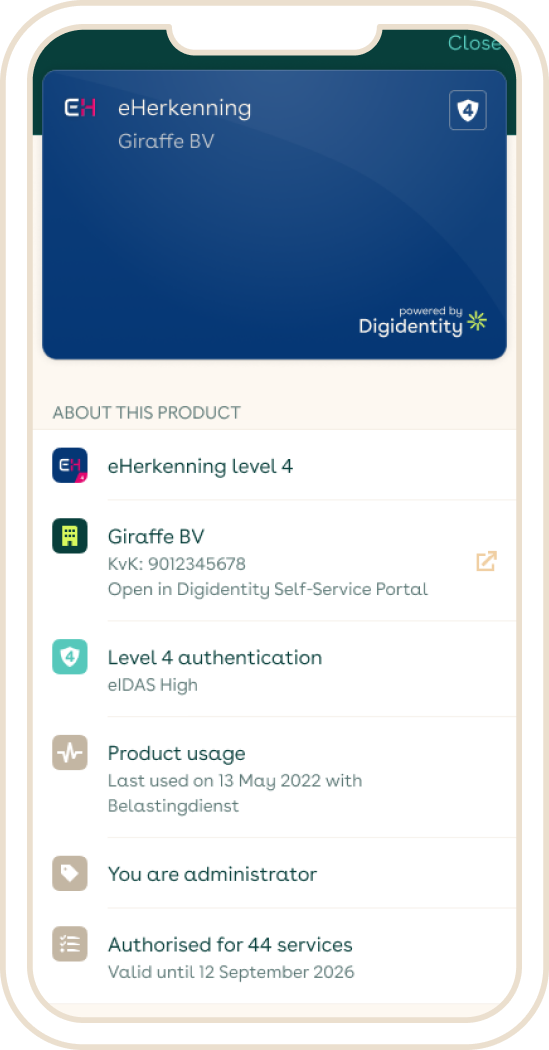
3.
Your remote eHerkenning registration in just a few simple steps
You can get started right away with your eHerkenning registration! What you need is your phone and an identification document, such as your ID card, driver’s license, or passport. Make sure to register for the correct level of eHerkenning. If in doubt, you can use our eHerkenning Selection Guide.
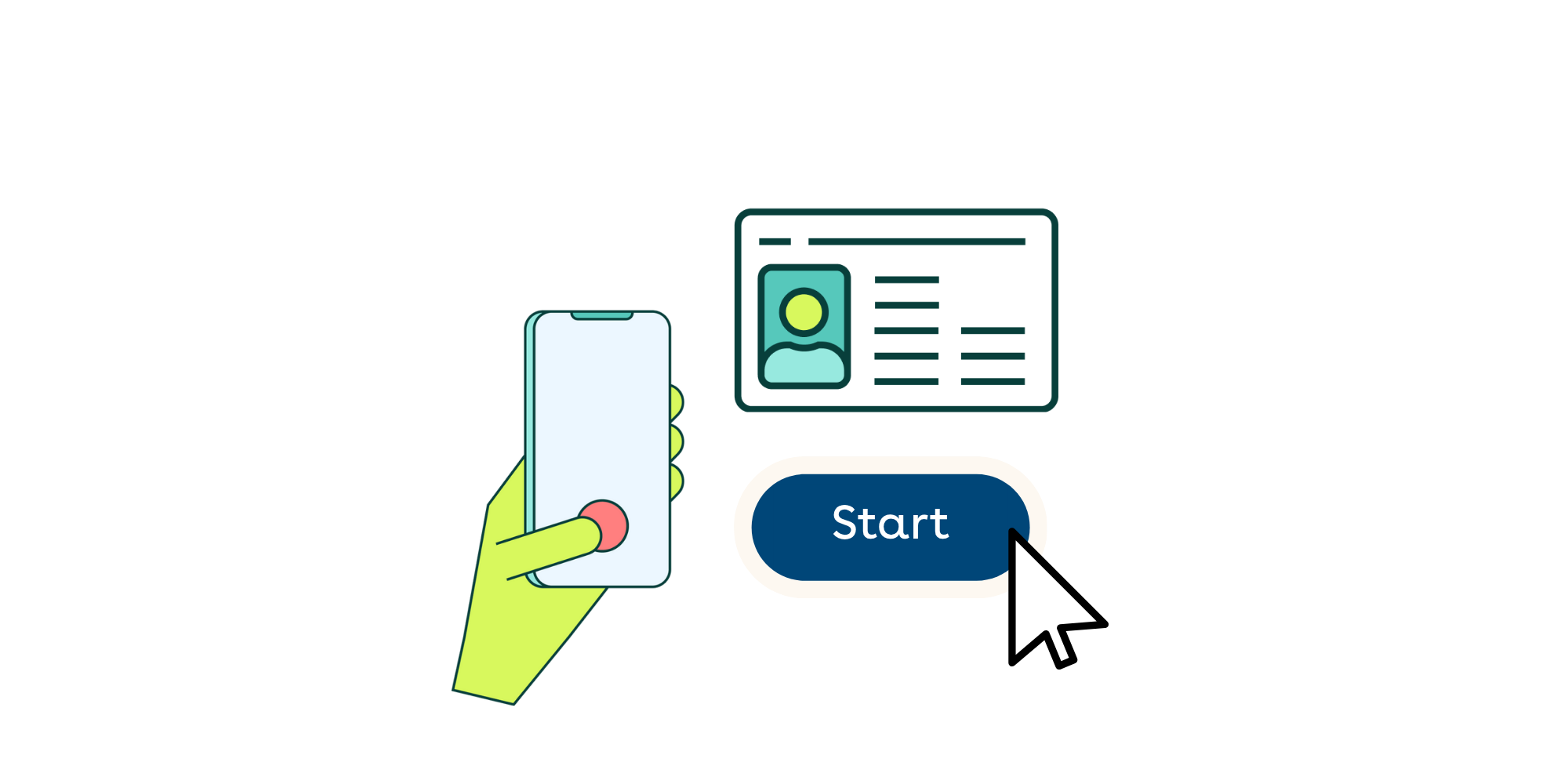
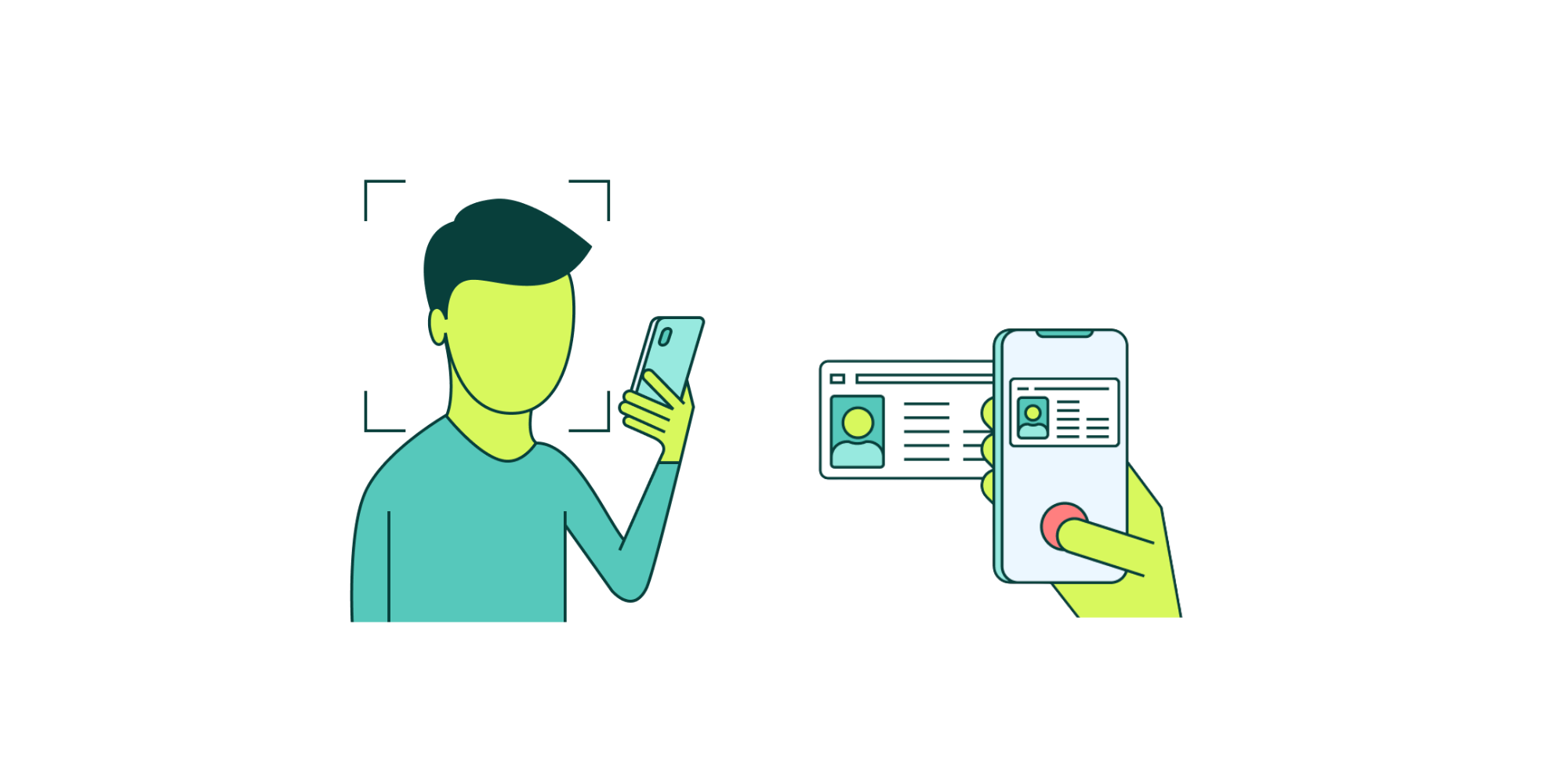
We can verify your identity completely remotely during your registration, without needing to make an appointment. Simply scan the NFC chip of your identification document and take a selfie. We will immediately verify whether your information is correct.
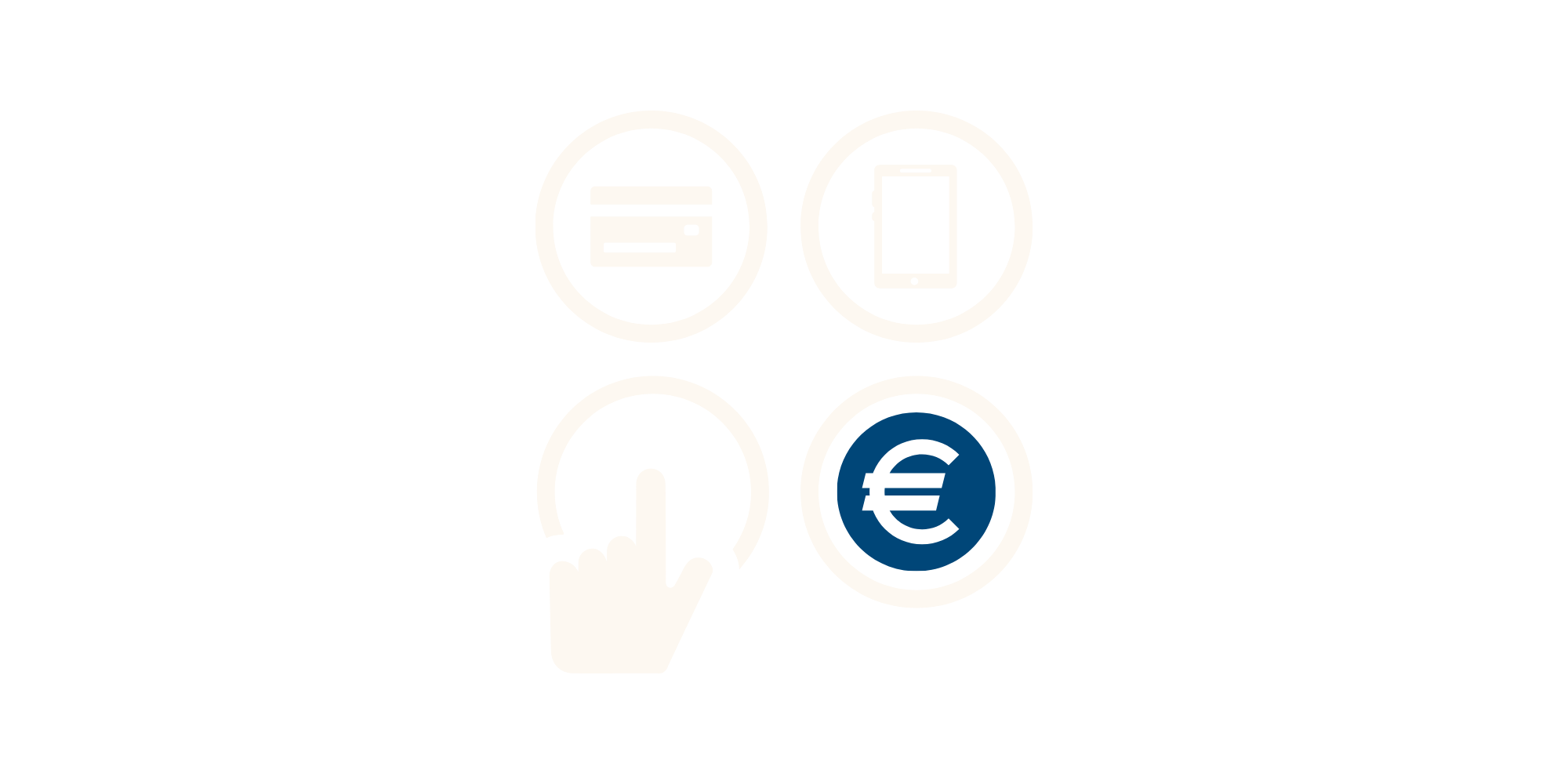
During the registration, you can pay immediately via iDEAL, credit card, or bank transfer. You will later receive an invoice or payment receipt via email. If you registered through an invitation from an administrator, the invoice will be sent directly to the organisation.
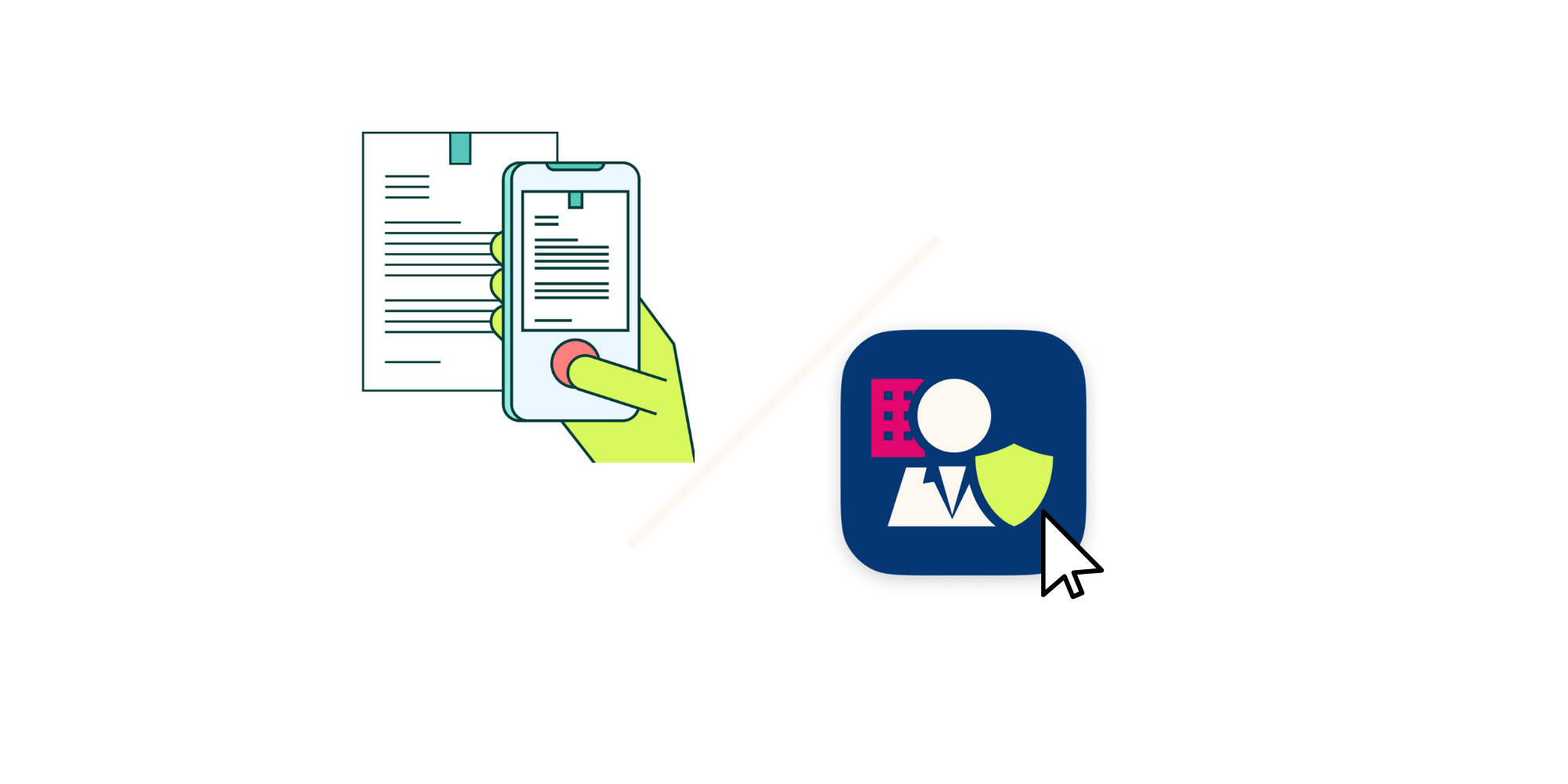
As part of the registration for 'eHerkenning without KVK', you will be asked to provide a supporting legal document that confirms the name(s) of the legal representatives of your organisation. Some examples of documentation that can be used include: the articles of association of the organisation; a register of ultimate beneficial owners for the organisation (also known as a "UBO check"); a document from the articles of association that lists the names of the legal representatives; or a document from the Commercial Register in which your organisation is registered.
.png&w=2048&q=75)
In order to verify your authority, the application for eHerkenning must always be approved by an authorized representative of the organisation. This can be done via the SSP by a company administrator or with paper authorisation letters also known as Power of Attorney's.
Once your request is authorised, your registration will be completed. You can immediately use your new eHerkenning to log in to the desired portal. Simply scan the QR code with your phone and enter your PIN code. No additional hardware is required!