PKIoverheid Certificates
Secure server traffic and SBR connections with government and business systems
✓ Register, generate and use within one day
✓ Establish secure connections between systems
✓ Get the most out of your existing software

PKIoverheid SBR Certificate
✓ Use with tax, accounting, administrator and other software
✓ Securely share financial reports and administrative data with government authorities
✓ Register immediately and start using today
Important: You can opt for the new G4 certificate. Check with your software provider first to confirm they already support G4.
PKIoverheid TLS Server Certificate
✓ Secure connections between your servers and government systems
✓ Set up machine-to-machine connections with government registries and business chain partners
✓ Register immediately and start using today
Important: You can opt for the new G4 certificate. Check with your software provider and chain partners first to confirm they already support G4.
What types of PKIoverheid certificate are there?
Digidentity offers two types of PKIoverheid service certificates. Below are the key differences.
PKIoverheid SBR certificate
A PKIoverheid SBR certificate allows you to submit confidential business and financial data to government authorities such as the Belastingdienst (via Digipoort) or De Rechtbank, directly through your accounting or tax software. The certificate gives your organisation access to the government’s digital reporting gateway via Standard Business Reporting (SBR).
The certificate is compatible with all major SBR software packages, including:
- AFAS
- Exact
- Visma
- FiscaalGemak
- SBR Nexus
- AccountView
- Twinfield
- Nmbrs
- Fiscaal Online
- Blinqx
- Tecknow
- Björn Lundén
- And more
PKIoverheid Server certificate
A PKIoverheid Private Server certificate secures the connection between your servers and government or business systems. It verifies your server’s identity and encrypts data traffic, ensuring information is exchanged confidentially and without modification. This protects your organisation against unauthorised access and man-in-the-middle attacks.
PKIoverheid Server certificates are issued under the PKIoverheid Private G1 or G4 root and are required for connections with systems such as:
Base registries: BRP/GBA-V, BRK Levering, BAG, BGT, BRO, LV WOZ, WKPB, Handelsregister (KvK)
Government and justice: CRUKS, WSNP, CIBG, Suwinet, RINIS, Diginetwerk
Environment and spatial planning: DSO/OLO, RO-Online
Other: RDW, DUO, RVO



How does PKIoverheid Server certificate registration work?
To request a server certificate, you must first register as a Certificate Manager. You can sign up for this role in just a few minutes. Identification can be done completely remotely and without an appointment.

Once you have completed the registration for the Certificate Manager, you can access the My-Digidentity environment and navigate to the Companies section to enter the Self Service Portal. In the portal, you can request the server certificate under Certificates.
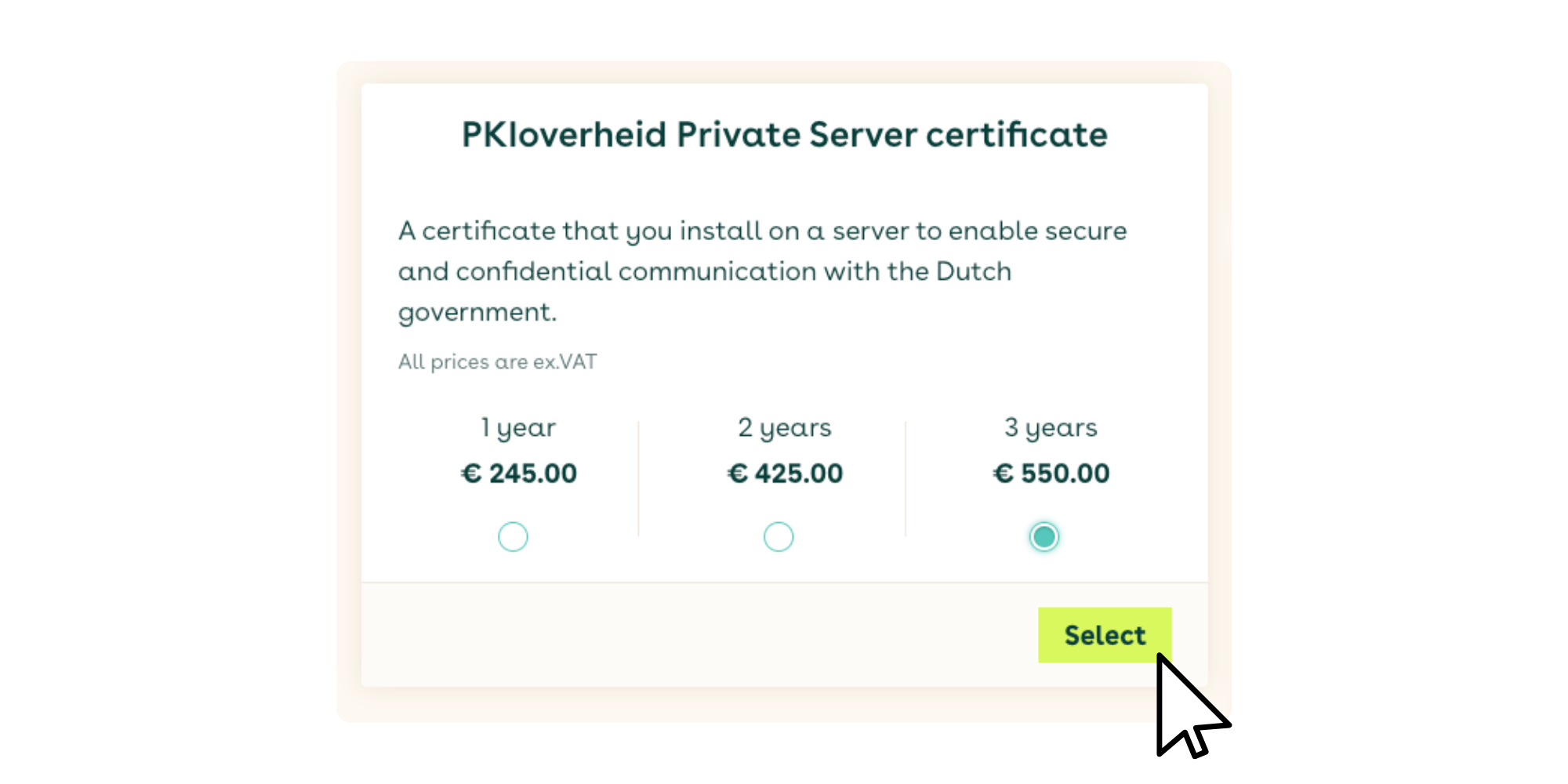
For encrypting server-to-server traffic, select the PKIoverheid Private Server certificates. You can choose a validity period of either 1 or 2 years.
Specify the domain name and validate it. You have the option to send a validation email to the domain administrator or to a validation email address in the Domain Name System (DNS).
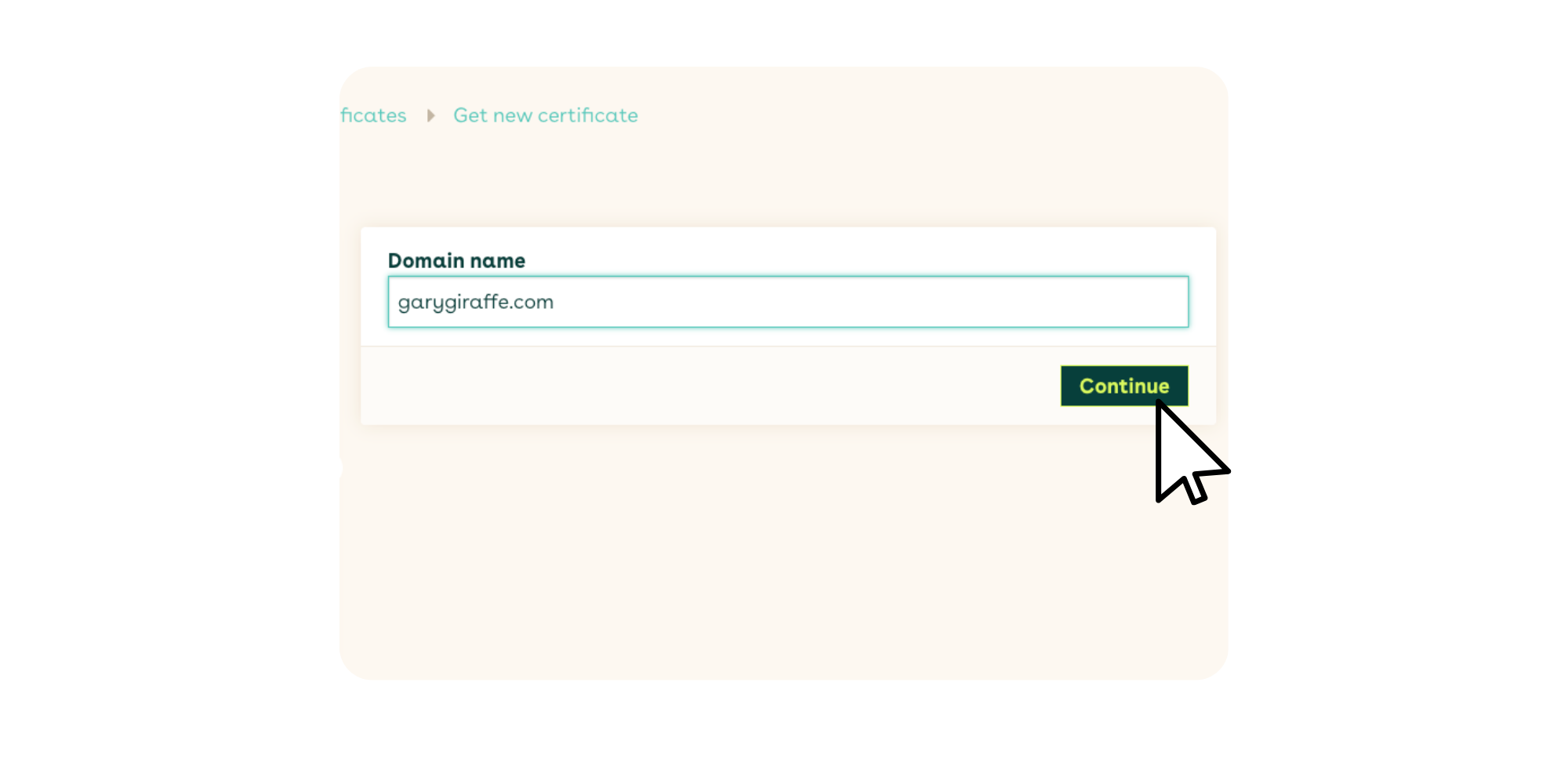
You can choose the method for generating the CSR (Certificate Signing Request). The recommended approach is to generate the CSR directly in your browser.
Self-generating a CSR via the command line or a CSR generator is only necessary in specific situations. Digidentity does not provide direct support for this method.
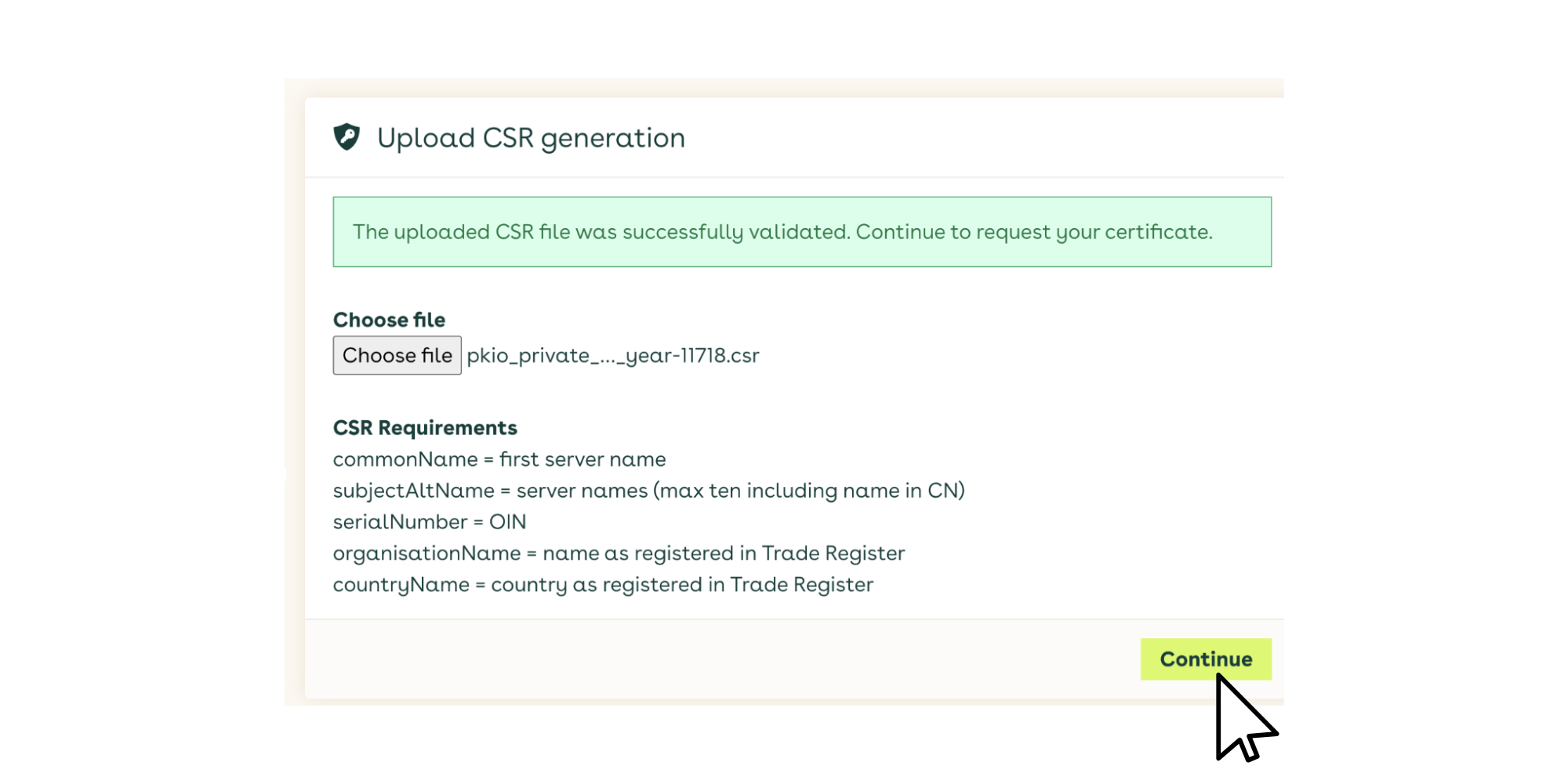
The certificate will be created on your computer. Your Certificate Signing Request (CSR) and key pair will be generated in your internet browser. Digidentity will never receive or know your private key. Your CSR will be sent to Digidentity for signing.
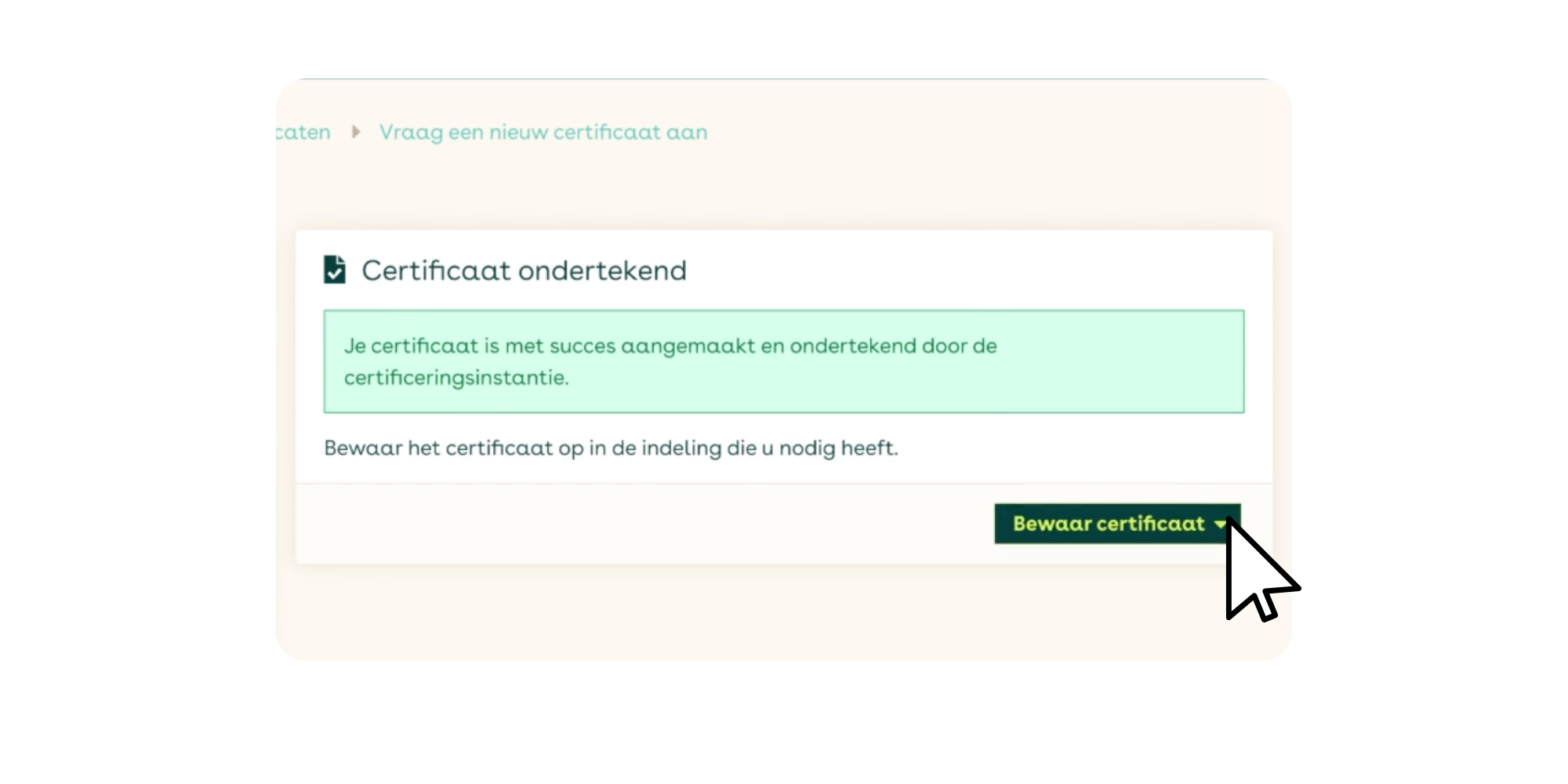
Your PKIoverheid Private Server certificate will be generated, signed, password-protected, and stored on your computer. You can then install the certificate in your software application.
For more detailed instructions, please read our step-by-step instructions for applying for PKIoverheid Private Server certificates.

What is the turnaround time for a PKIoverheid certificate at Digidentity?
All PKIoverheid certificates at Digidentity are issued within one day. Registration is fully digital, with no appointment or physical presence required.
Register directly on this page as certificate manager. After this, you will immediately have access to the Self Service Portal, where you can download your SBR or server certificate straight away. No hardware token is required, so you can start using your PKIoverheid certificate immediately.
What does a PKIoverheid certificate cost at Digidentity?
At Digidentity, you pay only for the certificate itself. There are no additional costs for support, identification, hardware or administration, making Digidentity the most competitive choice for PKIoverheid certificates with no hidden surprises.
Every PKIoverheid server certificate comes standard with ten Subject Alternative Names (SANs), allowing you to secure multiple domains or subdomains under a single certificate at no extra cost.