Simply the fastest way to get eHerkenning Tax
eHerkenning for the Dutch Tax Office, made easy
✓ Register anytime, anywhere
✓ No appointment necessary
✓ Finish and use in minutes
Our eHerkenning Selection Guide helps you find the right product. Use the Portal Finder to check which level a service requires.
eHerkenning Tax

Required for the Tax Administration (Mijn Belastingdienst zakelijk).
With eHerkenning Tax, you receive an eHerkenning account that is specifically designed for logging in to the Tax Administration, also known as de Belastingdienst. This product is eligible for compensation.
Please note: eHerkenning Tax is exclusively for logging in to the Dutch Tax Administration (Mijn Belastingdienst Zakelijk).
eHerkenning Tax enables you to login at the Dutch Tax Office
eHerkenning TAX is a specialised version of eHerkenning that enables users to log in exclusively to the Dutch Tax Office. Our registration process for eHerkenning Tax is the quickest in the market, with no hidden fees or physical identity document checks required. Applying for eHerkenning has never been easier.
eHerkenning explained
eHerkenning is essentially the organisational counterpart to DigiD. It serves as a login tool that verifies: "Are you who you claim to be, and are you authorised to log in on behalf of an organisation?" Before using eHerkenning, individuals must be properly identified and authorised to represent the organisation, adhering to specific requirements. With Digidentity, you can easily complete the identification process remotely for every level of eHerkenning, including eHerkenning level 3 Tax.

eHerkenning overview
eH level 2 and 2+ portals
The lowest assurance level
Dutch Tax Authority
Mijn Belastingdienst Zakelijk
Various services
eH level 3 portals
The most used assurance level
Chain Authorisations
Log in on behalf of clients
eH level 4 portals
The highest assurance level
European portals
eIDAS government services
All prices in the table above are annual costs and exclude VAT. Users get access to all portals included with their dedicated product at no extra cost. Access can be restricted explicitly by a company admin. At Digidentity there are no additional or hidden costs, unless otherwise indicated with '*'. *Excludes a one-time fee of €90.00 for remote registration. ** Excludes a one-time fee of €40.00 for business verification.
eHerkenning Chain Authorisations
Use eHerkenning on behalf of your clients.
Use Chain Authorisations to log in with eHerkenning and act on your client’s behalf. Requesting and managing authorisations is easy with the Self Service Portal.
€20
Per year per authorisation excl. VAT
eHerkenning Enterprise Solutions
for all your colleagues and organisations.
Do you need multiple eHerkenning credentials for multiple organisations or multiple people within your organisation? We provide scalable solutions, an easy-to-manage Self-Service Portal (SSP), quicker registration options, and a customised quote.
Your remote eHerkenning registration in just a few simple steps
You can get started right away with your eHerkenning registration! What you need is your phone and an identification document, such as your ID card, driver’s license, or passport. Make sure to register for the correct level of eHerkenning. If in doubt, you can use our eHerkenning Selection Guide.
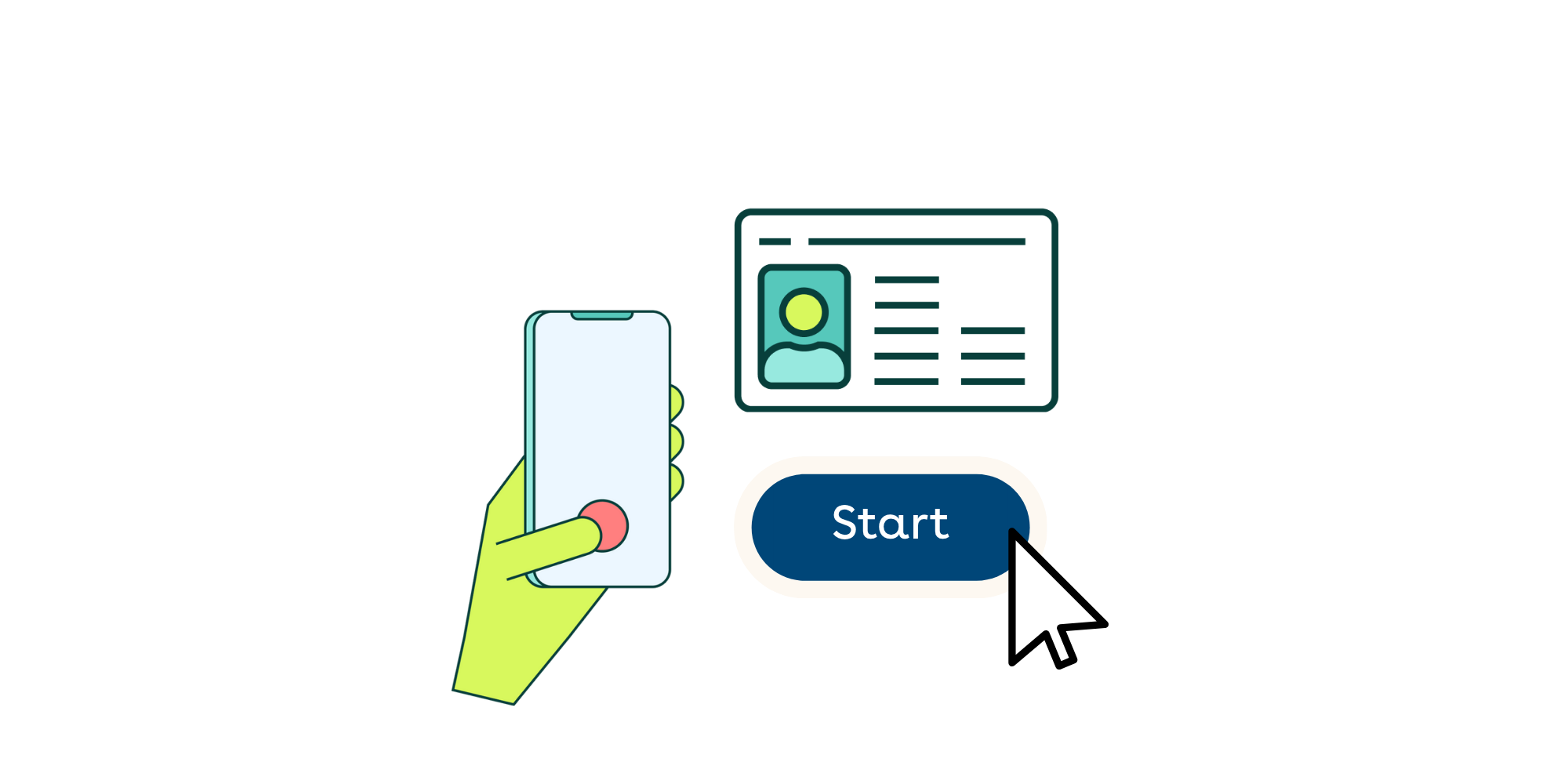
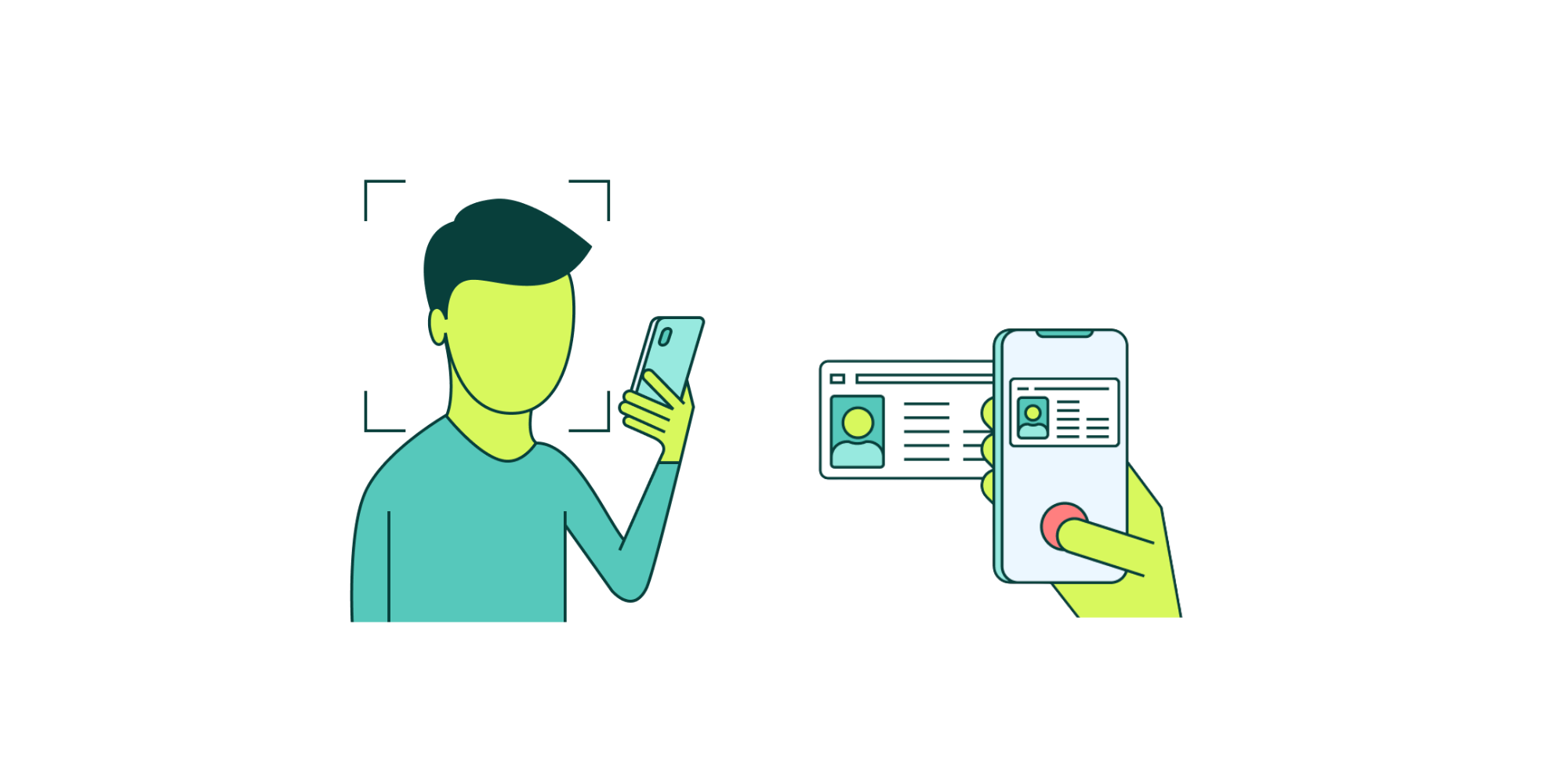
We can verify your identity completely remotely during your registration, without needing to make an appointment. Simply scan the NFC chip of your identification document and take a selfie. We will immediately verify whether your information is correct.
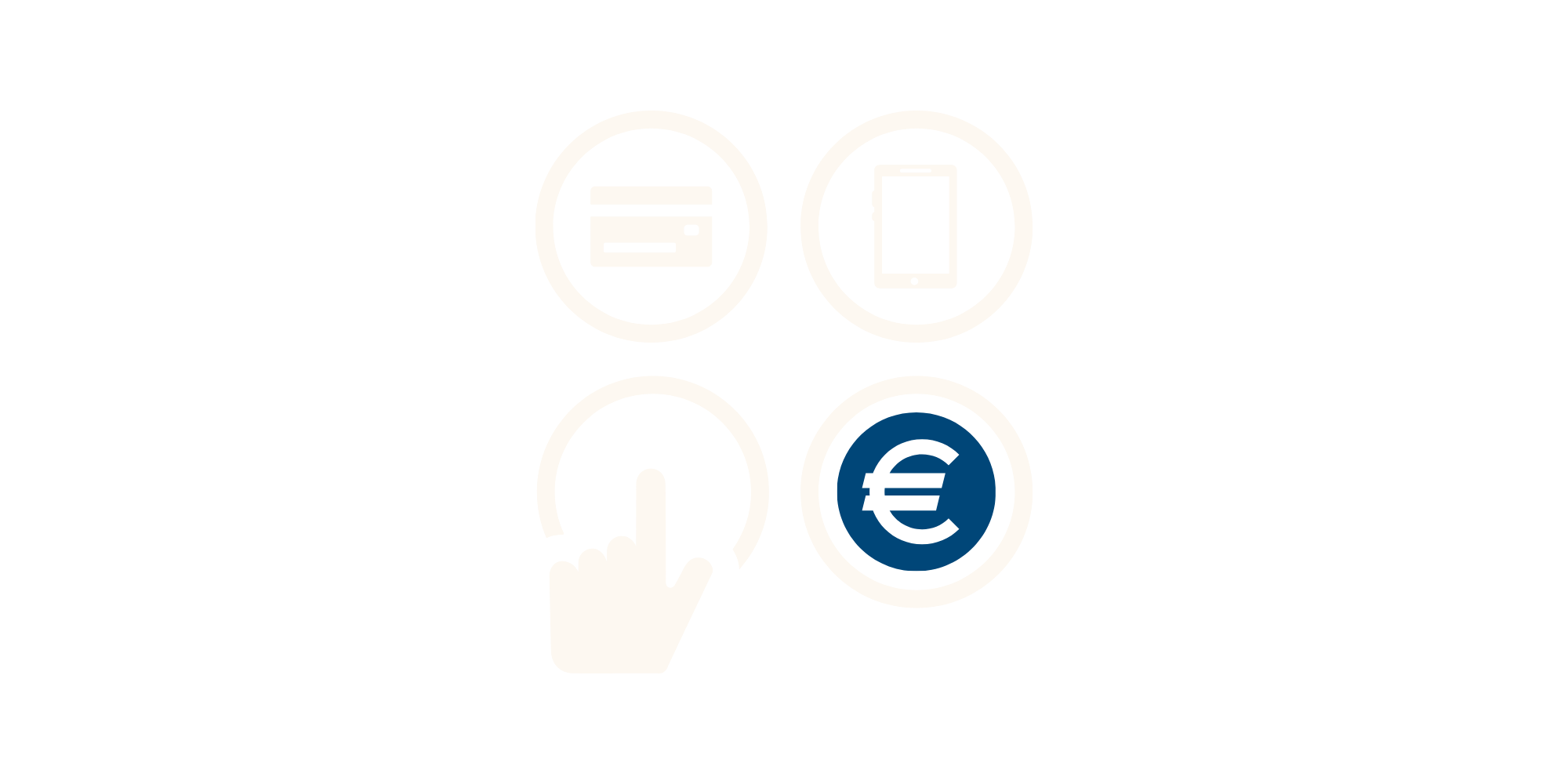
During the registration, you can pay immediately via iDEAL, credit card, or bank transfer. You will later receive an invoice or payment receipt via email. If you registered through an invitation from an administrator, the invoice will be sent directly to the organisation.
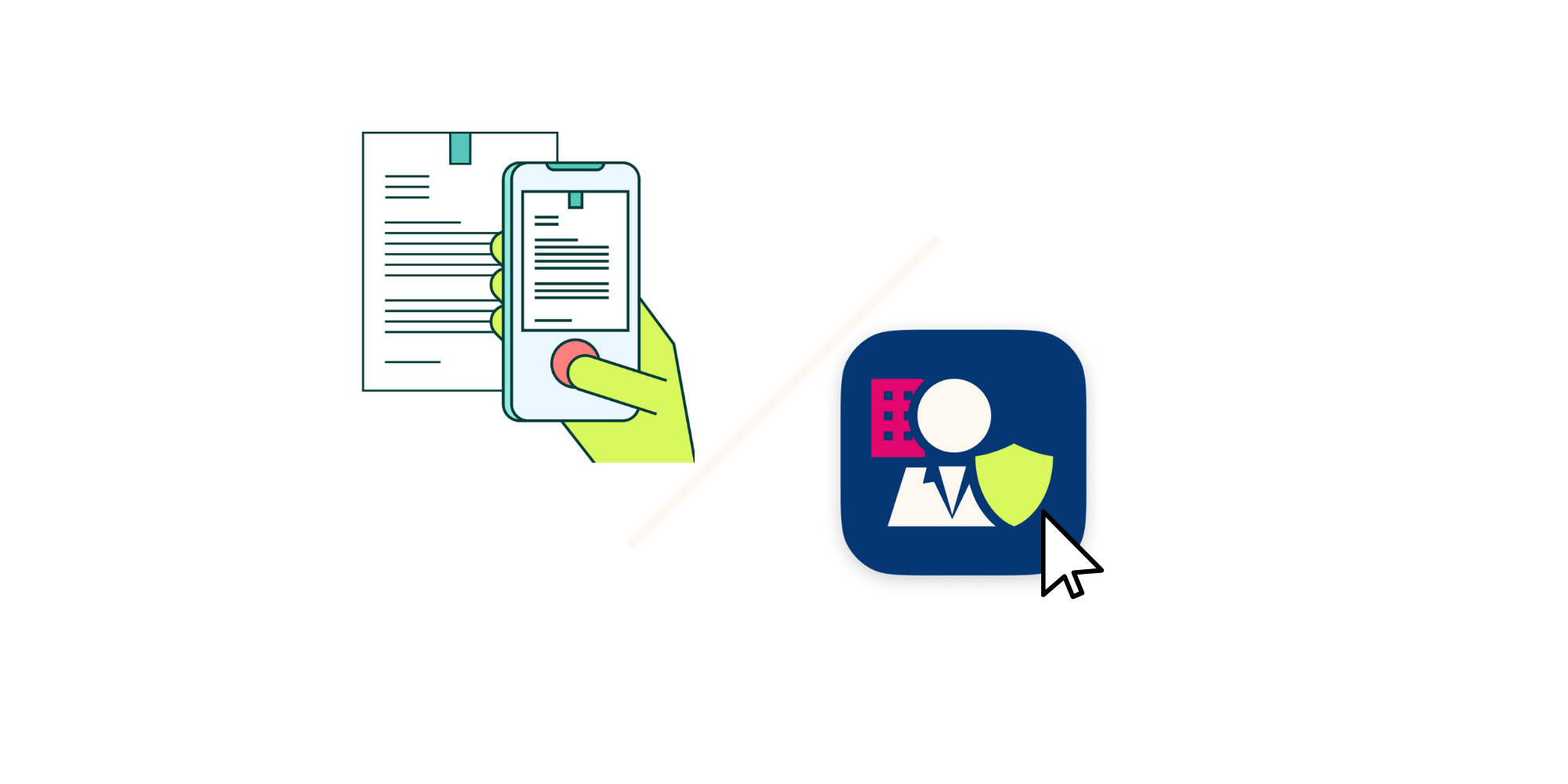
In order to verify your authority, the application for eHerkenning must always be approved by an authorized representative of the organisation. This can be done via the SSP by a company administrator or with paper authorisation letters also known as Power of Attorney's.
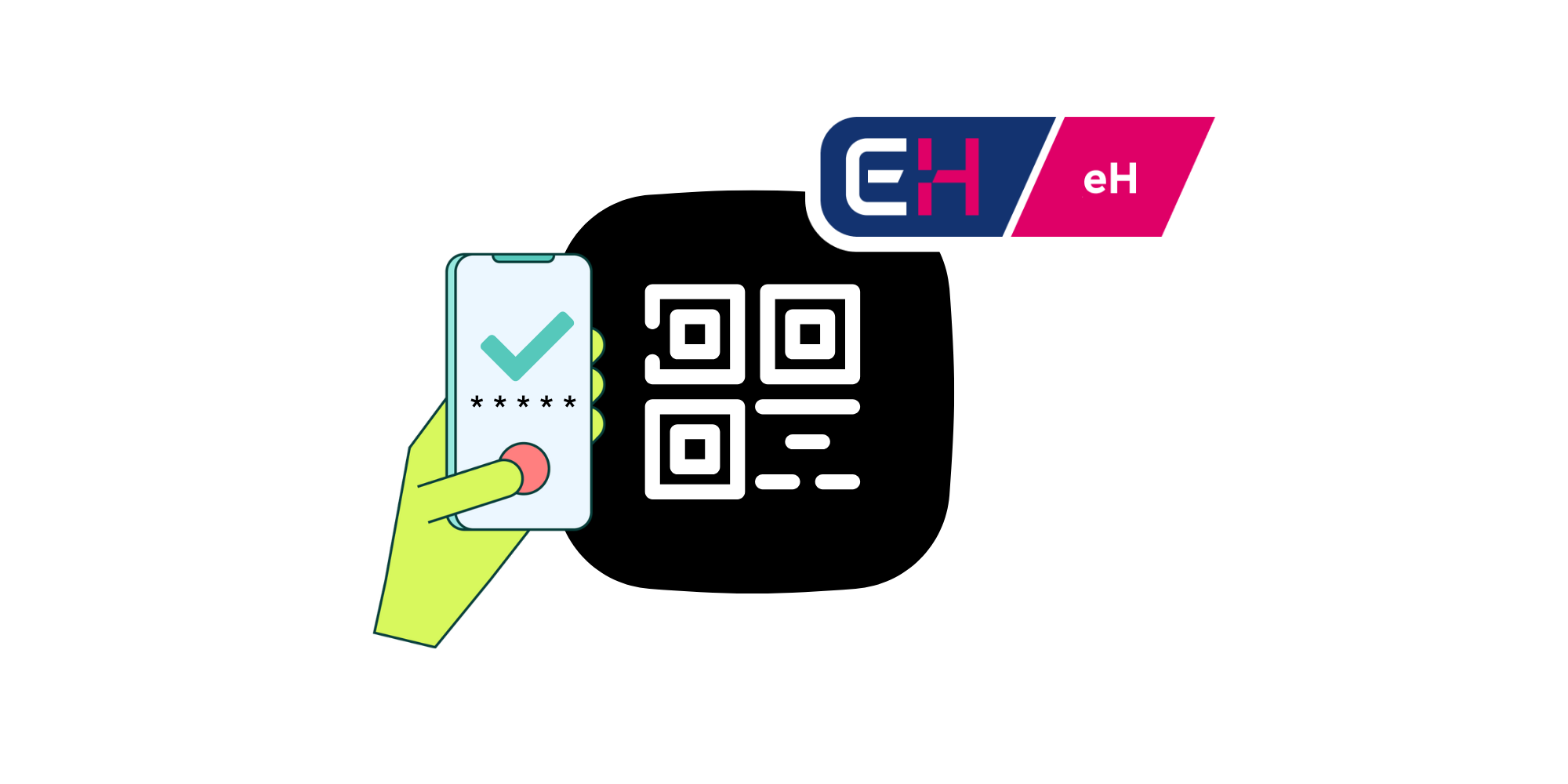
Once your request is authorised, your registration will be completed. You can immediately use your new eHerkenning to log in to the desired portal. Simply scan the QR code with your phone and enter your PIN code. No additional hardware is required!
No hidden costs
We charge no additional fees for changes, invoices, extra hardware, urgent processing, or support.
Fully digital registration
You can have a working eHerkenning within minutes, without making an appointment.
Recognised eHerkenning provider
Digidentity is one of the founders of eHerkenning and a recognised provider from the very beginning.
Self-Service Portal
Our Self-Service Portal allows you to easily invite colleagues, manage authorisations, and make changes.
Personal Support
With Digidentity, you can count on personal support from our dedicated service team.
Log in without password or token
At Digidentity, you can easily log in using your phone and a five-digit PIN. There’s no need for a password or USB token to log in.
Frequently Asked Questions
Registration
Issues
Other questions
eHerkenning 3 Complete
Unlike eHerkenning TAX, with eHerkenning level 3, you gain access to the Dutch Tax Office as well as hundreds of other portals, including RVO, UWV, Kadaster, and DNB. Additionally, eHerkenning level 3 allows for chain authorisations, enabling intermediaries to log in on behalf of their clients.
.png&w=3840&q=75)